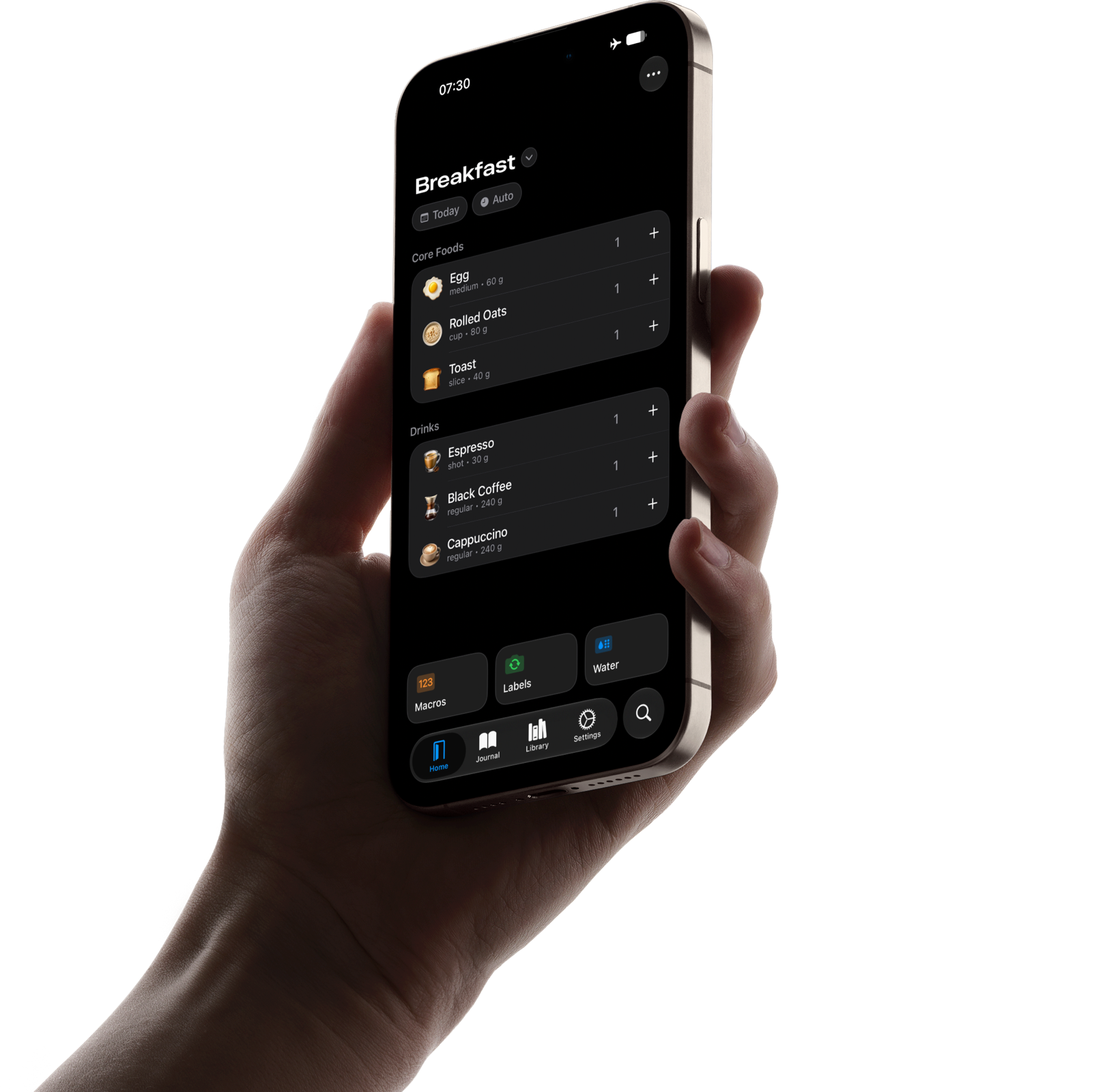
Josh’s Food Journal is built around the foods you love. It’s fast, works offline, and doesn't have ads.
Dynamic Home Screen
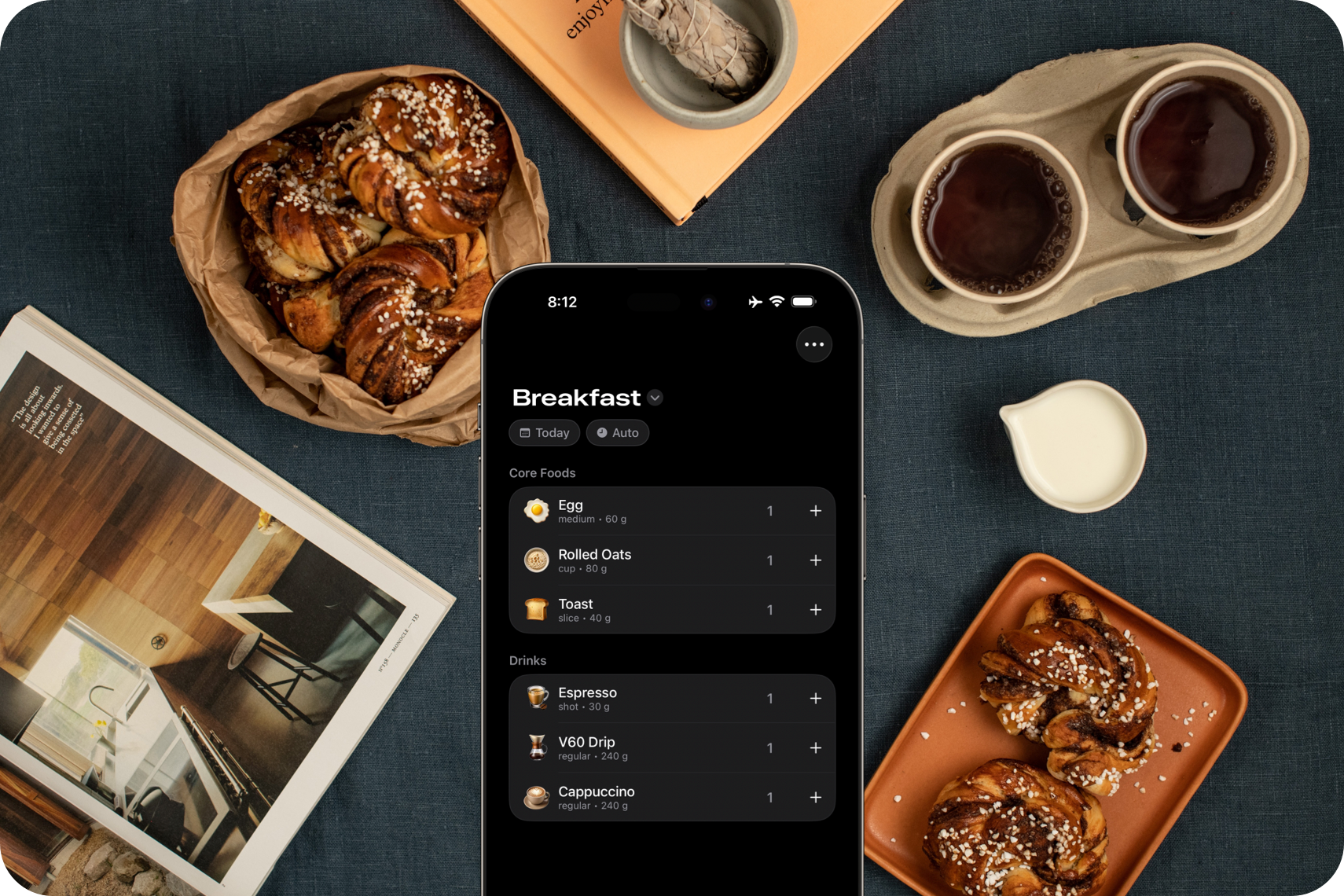
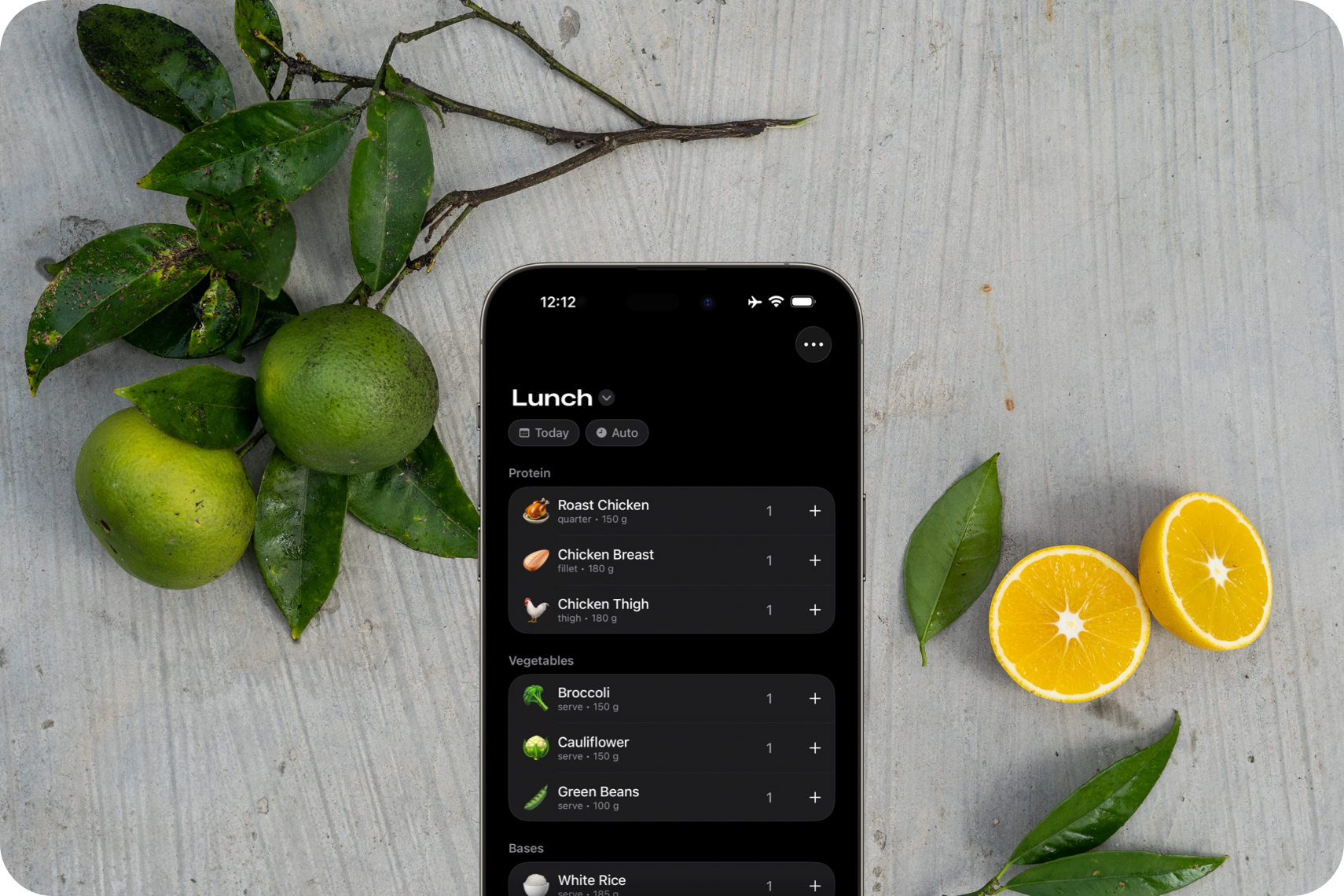
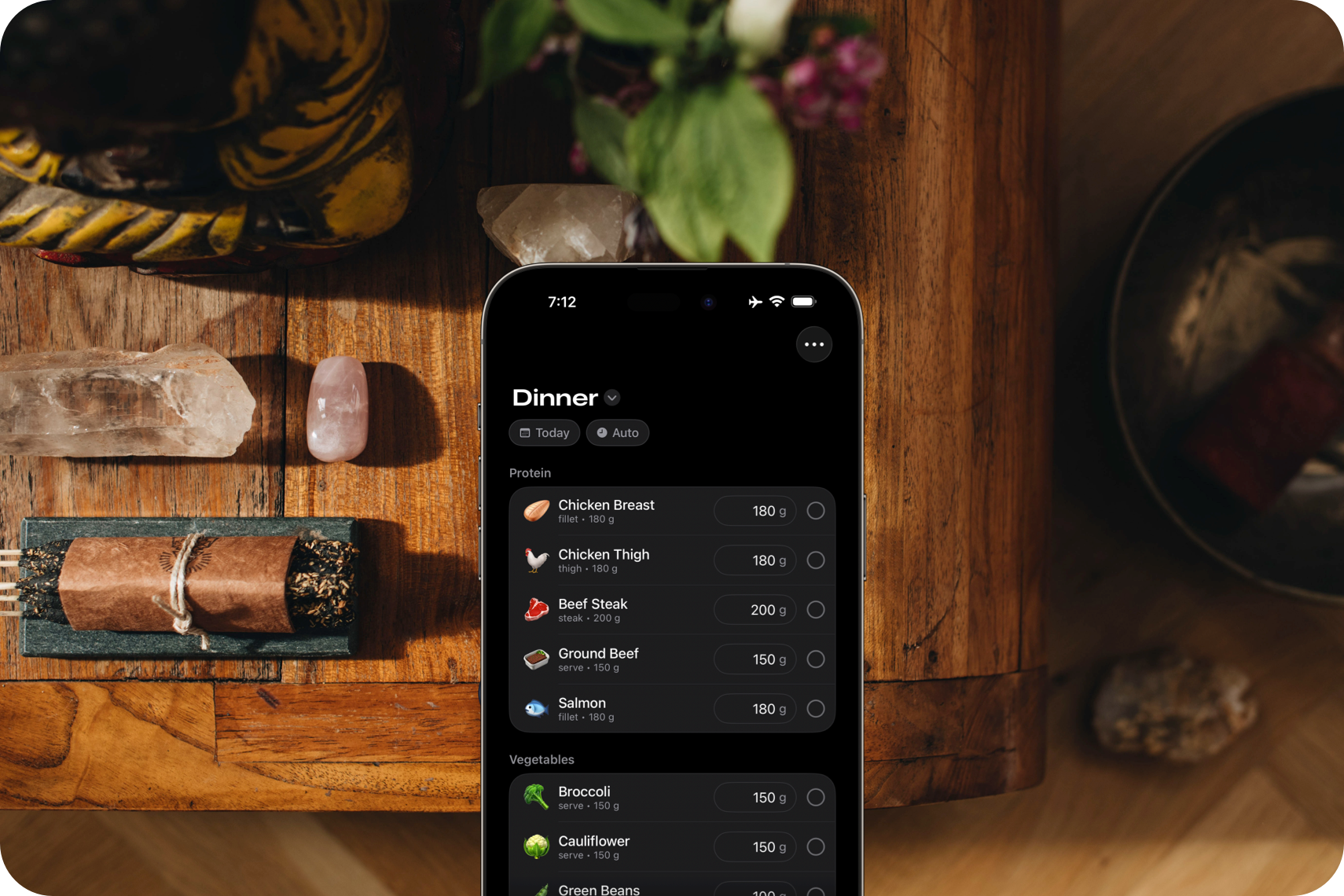
Save your favorite foods in a dedicated space for each meal. The app can automatically show the right options, at the right time of day.
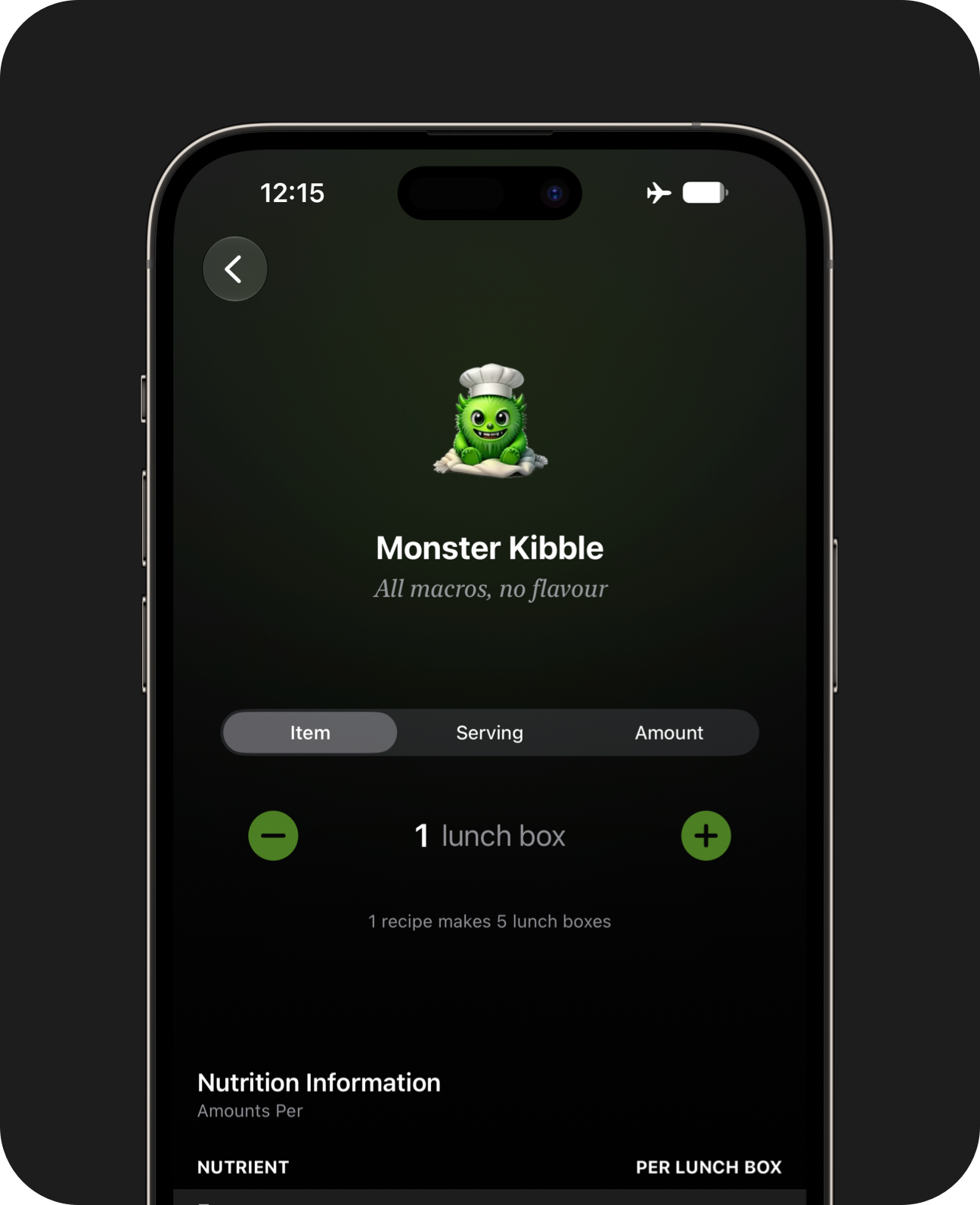
Genmoji
Give each food a recognisable icon. If the perfect emoji doesn't exist yet, try creating a Genmoji or sticker.
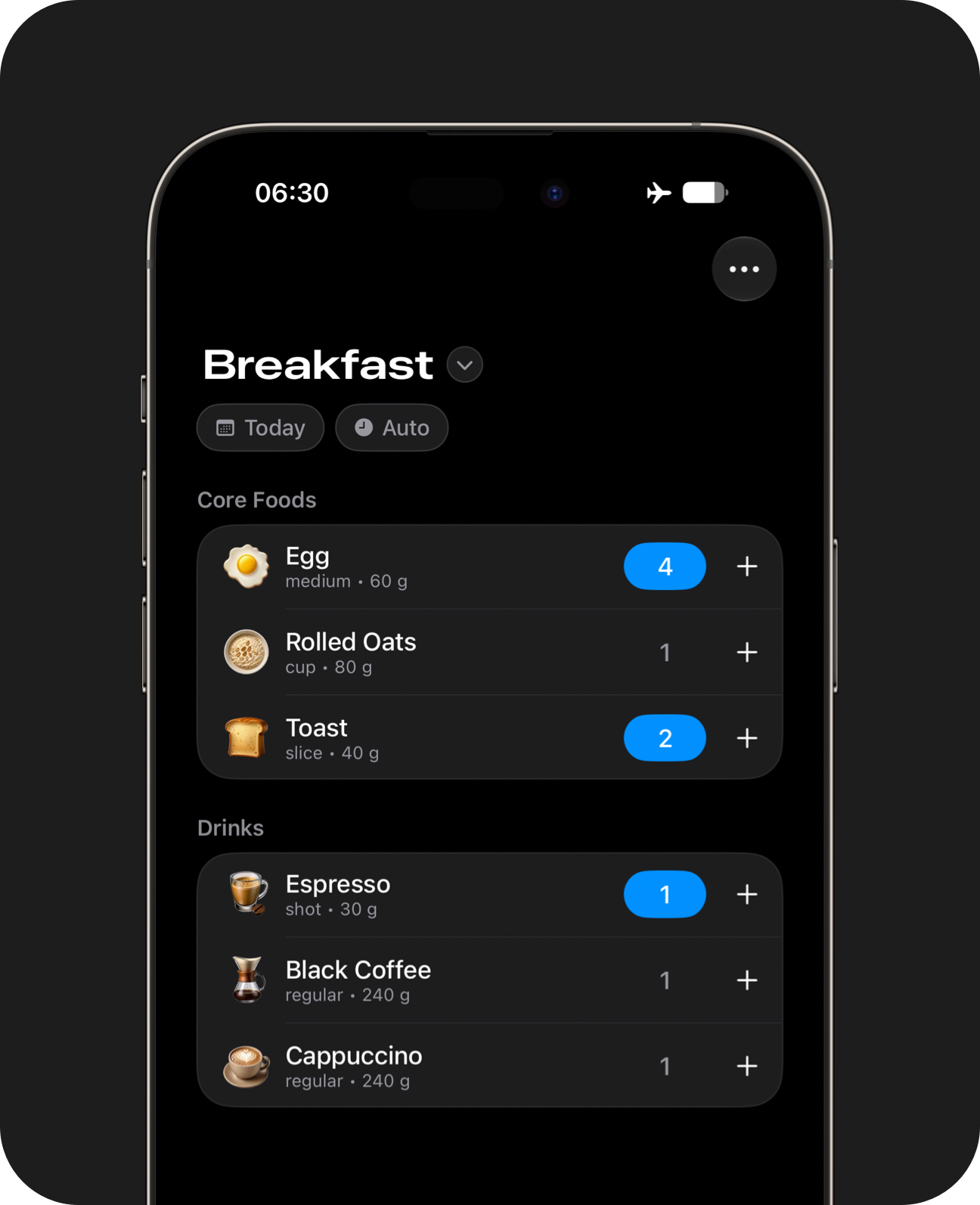
Keypad Buttons
Use keypad buttons to select multiple items and servings without switching screens.
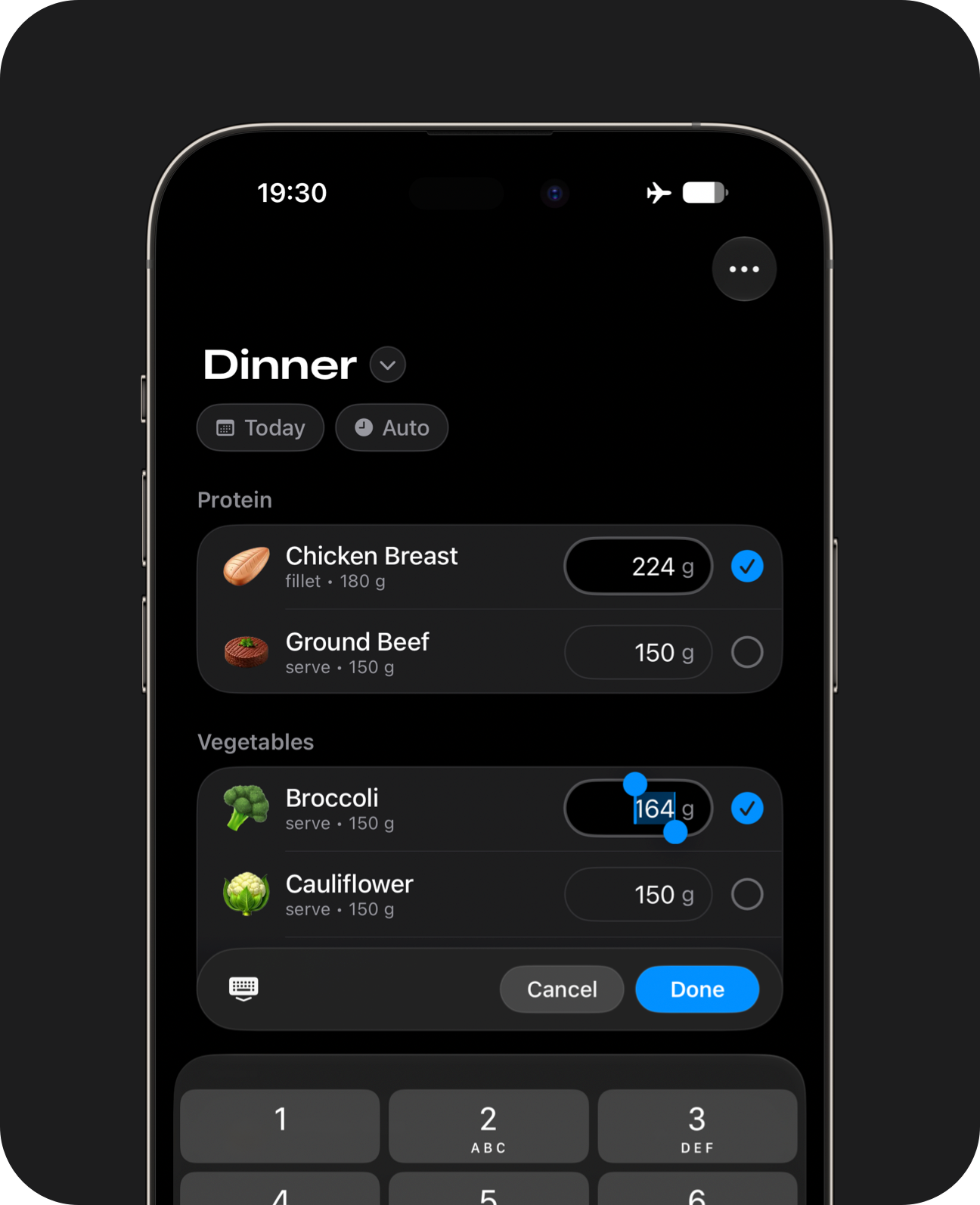
Precision Buttons
Use precision buttons to enter weights for multiple items without switching screens.
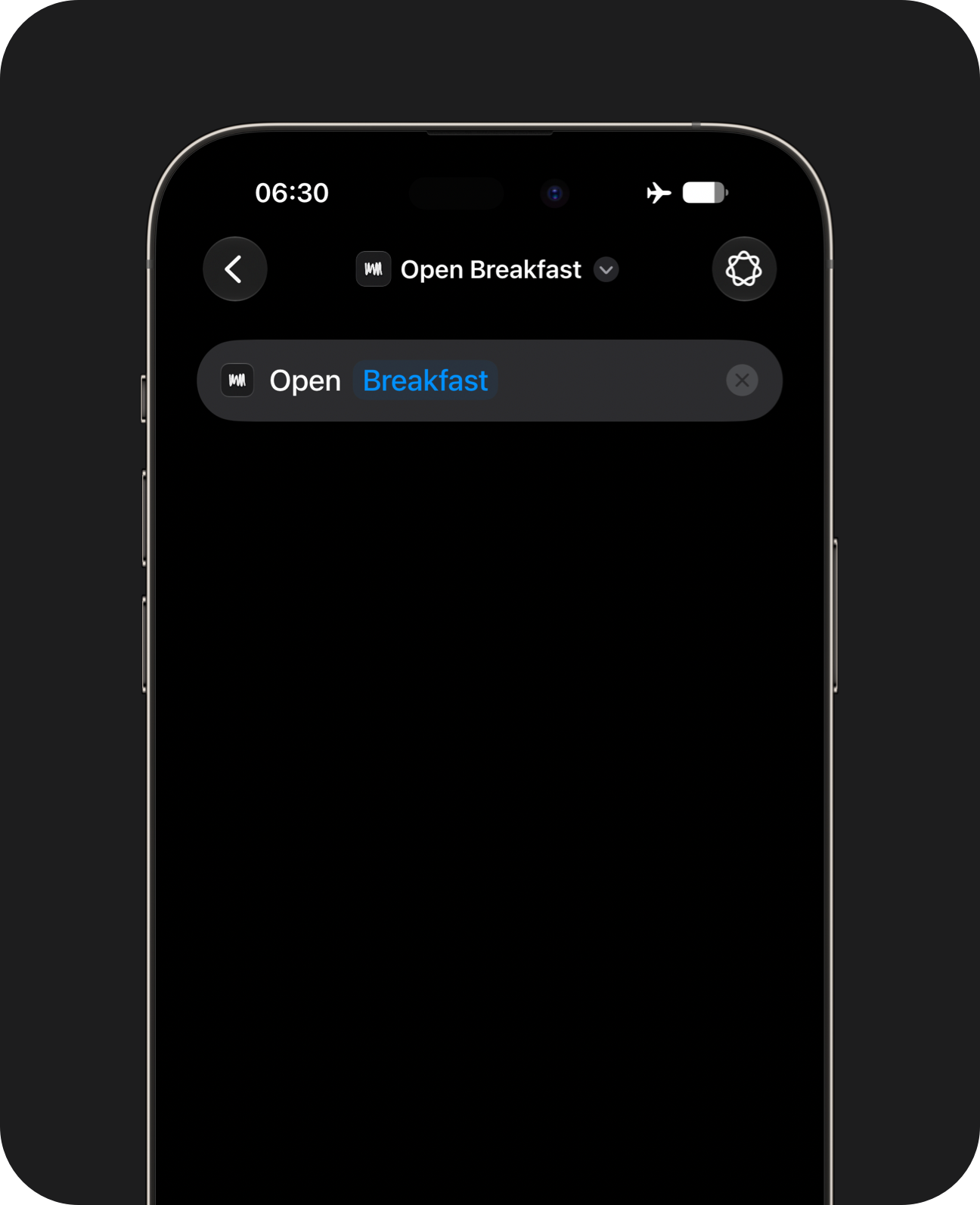
Automatic Routing
Jump to a specific meal using onscreen buttons or iOS shortcuts.
The app will open to the most relevant page on first launch. Alternatively, use iOS shortcuts or Widgets to launch custom pages. Precision weight controls and multiple custom spaces per meal are available in Pro. Creating Genmoji requires a device compatible with Apple Intelligence. Genmoji is a registered trademark of Apple.
Whole Foods Database
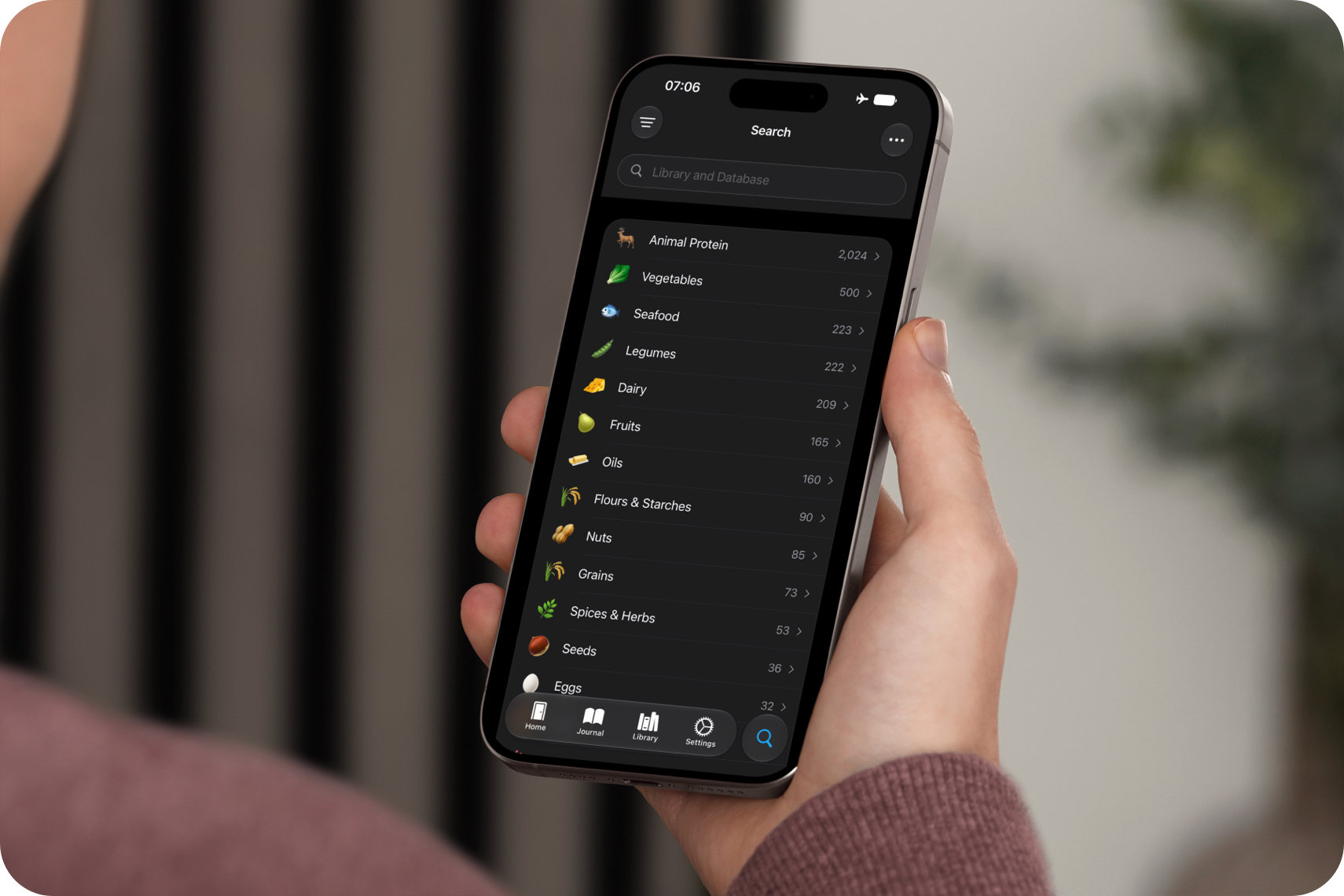
Search a built-in collection of common whole foods and ingredients without an internet connection. It's great for building recipes and logging single-ingredient foods.
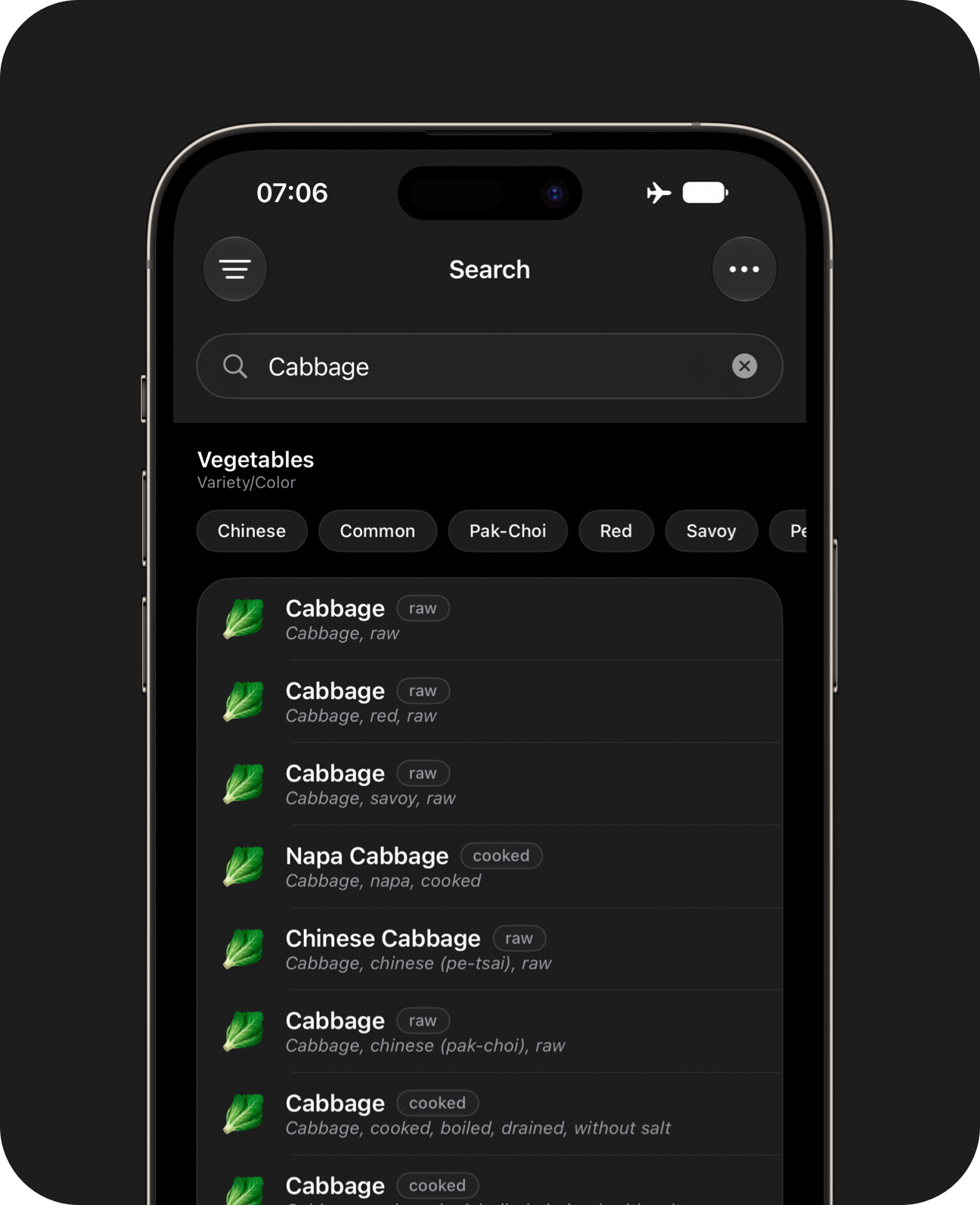
Search Filters
Use intelligent filters to find a specific ingredient.
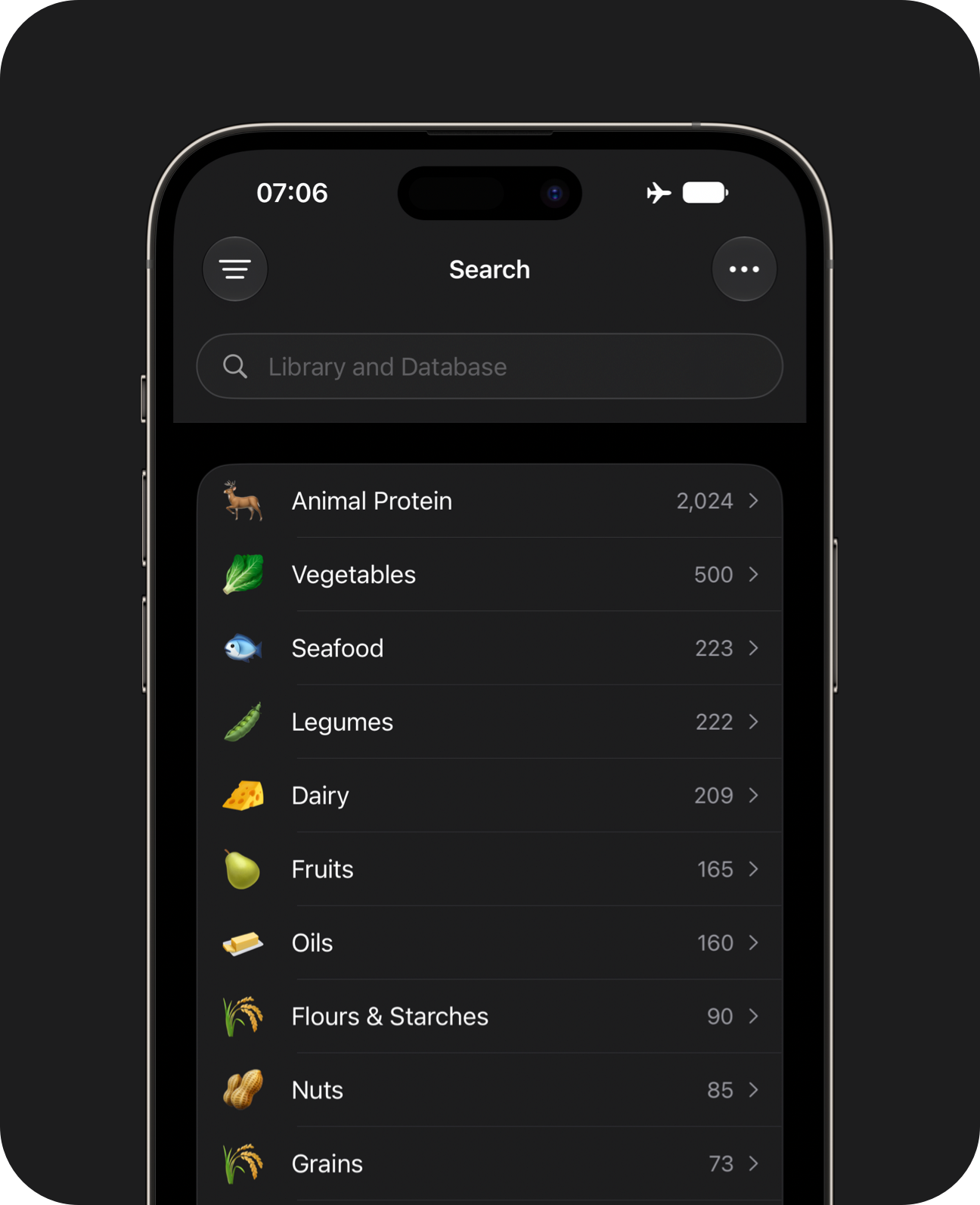
Dataset Browser
Explore the dataset by tapping through categories and filters.
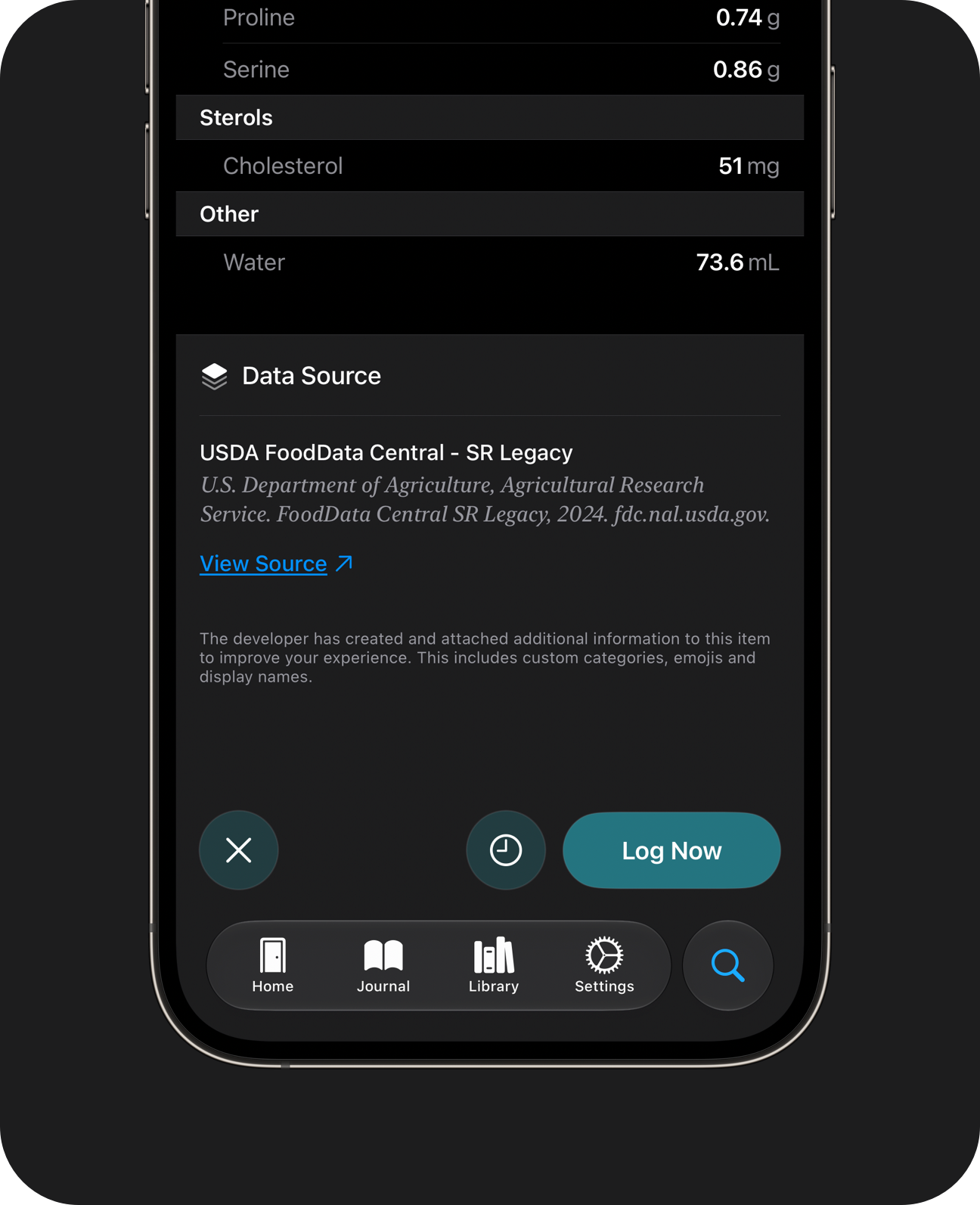
Data Provenance
Open the original dataset and compare it with the values shown in the app.
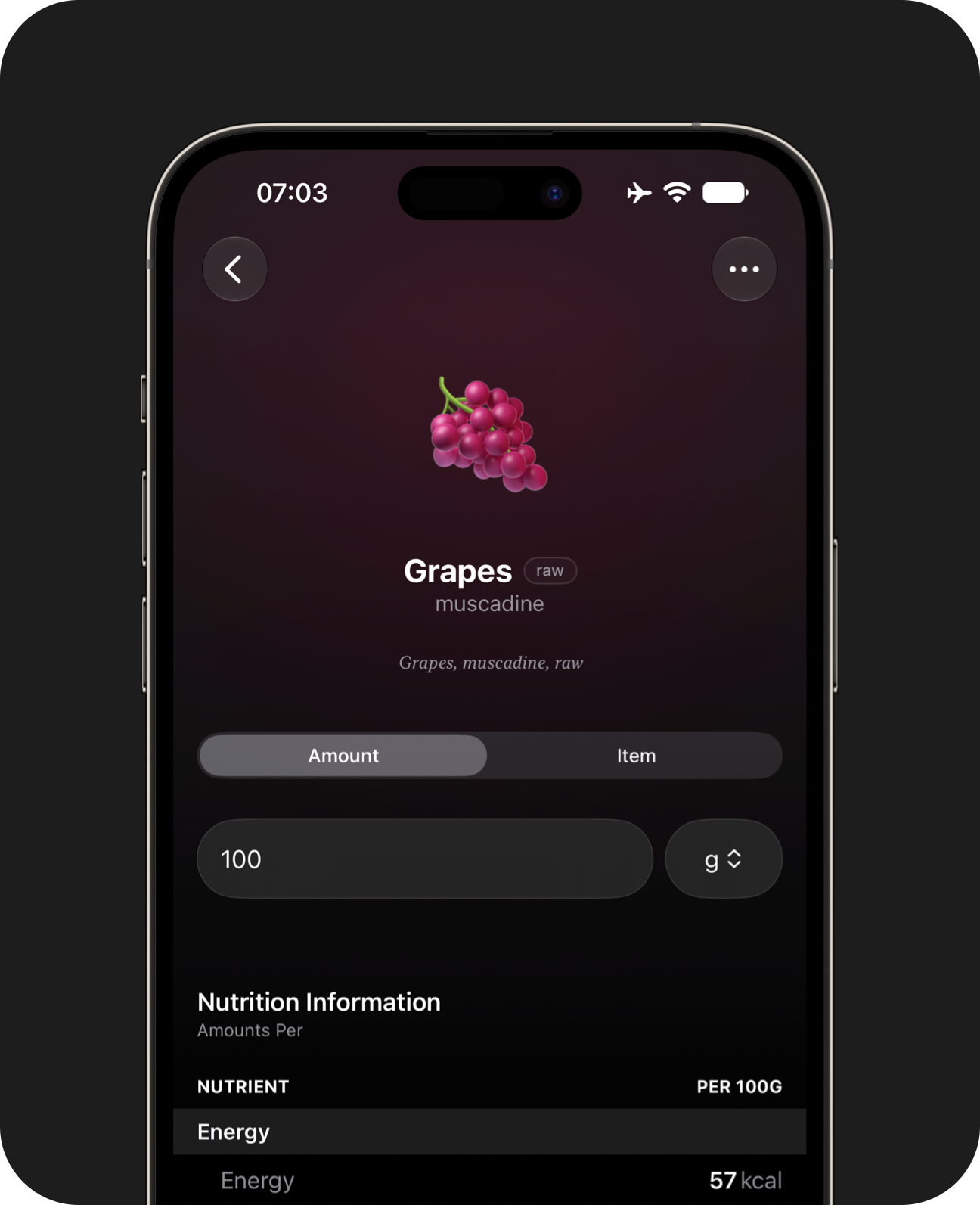
Weight Entry
Enter direct weights when logging foods.
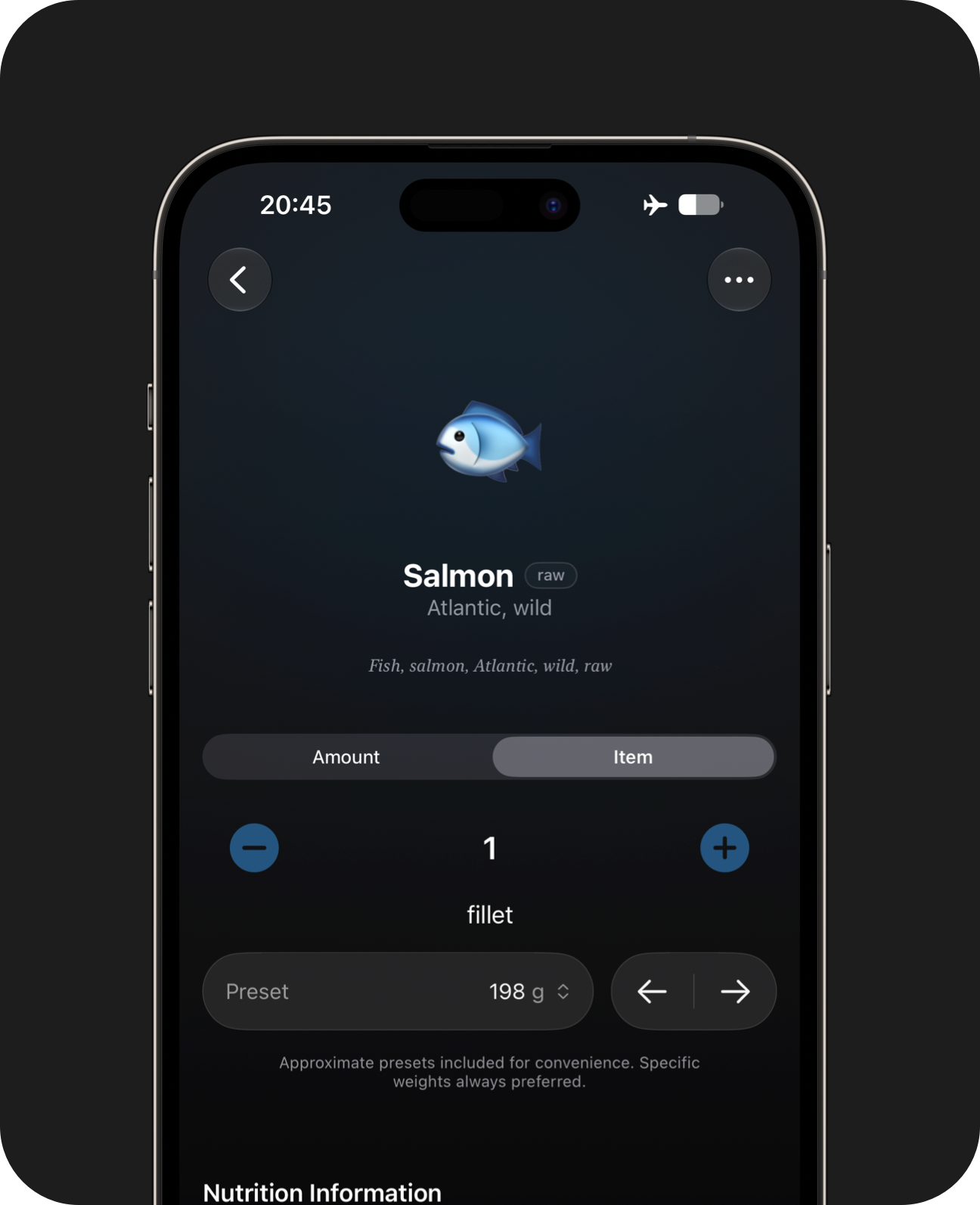
Item Presets
Log using approximate weight presets, where available.
The included database is a curated collection of whole foods and ingredients, designed to fit onto your device for offline use. It won't include community contributions, packaged items or restaurant foods.
Label Scanner
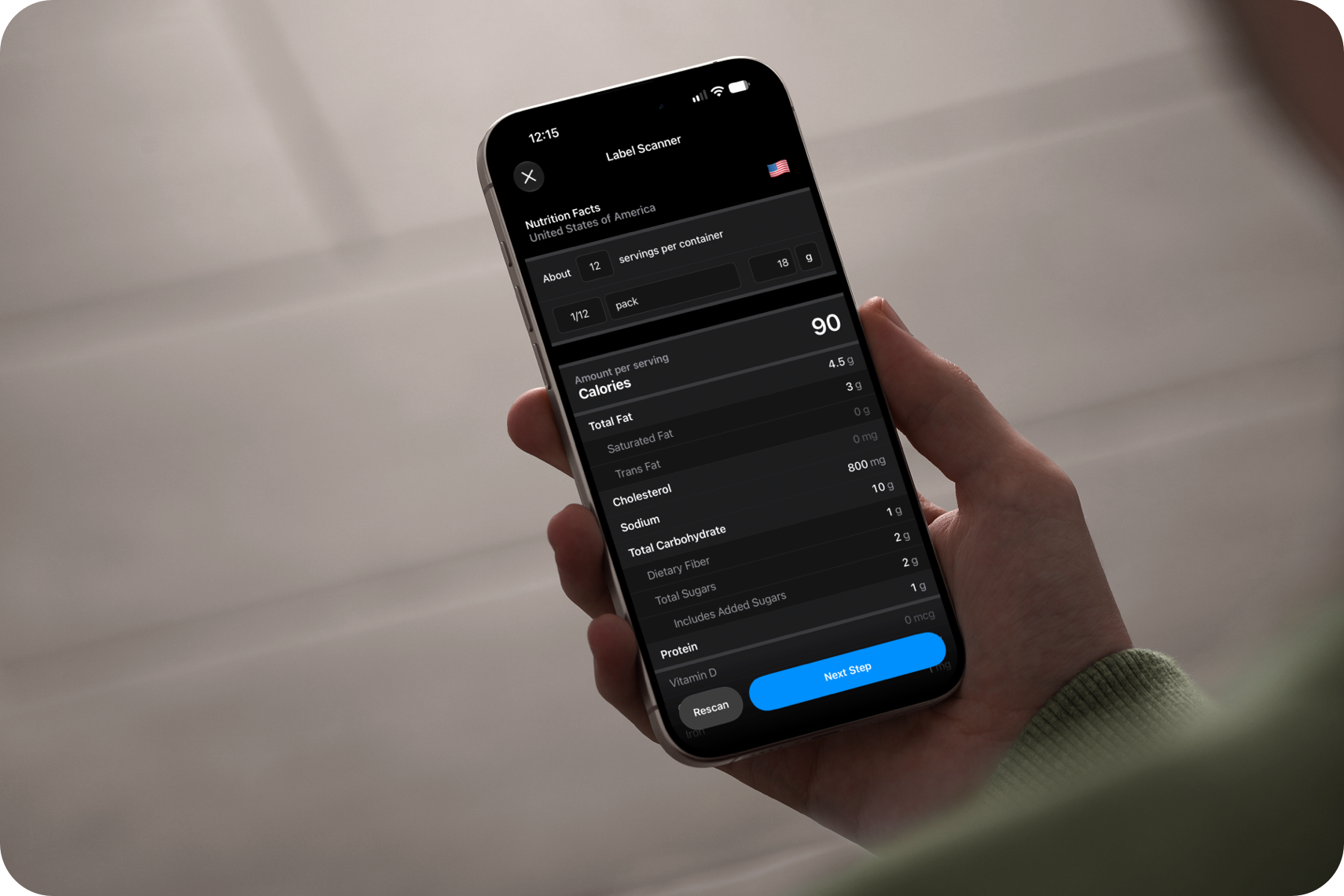
Add nutrition labels to your personal library. Import numbers directly from the packet, not from a remote database.
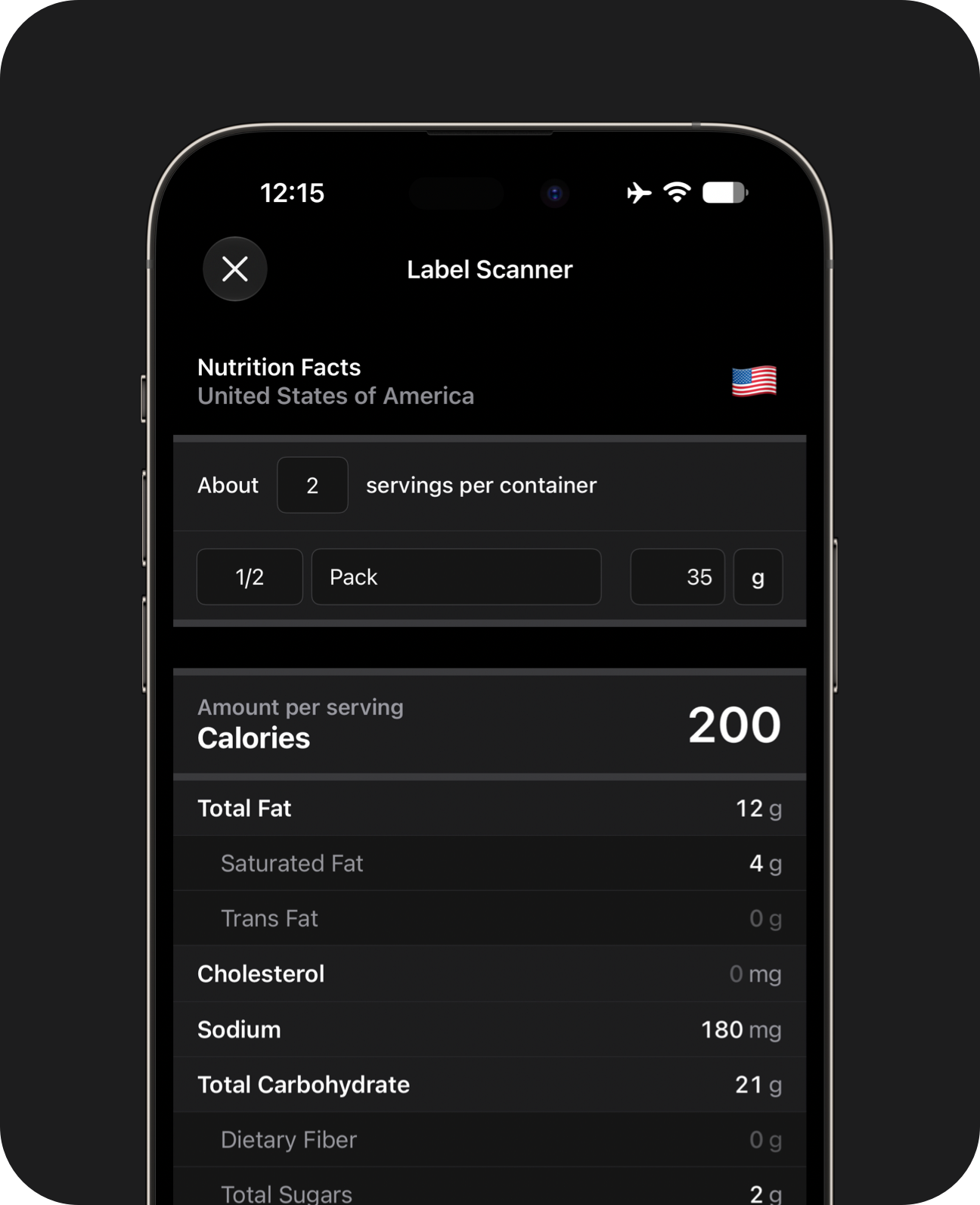
Familiar Forms
When you scan a Nutrition Facts label, you can review the results in a form with a similar layout.
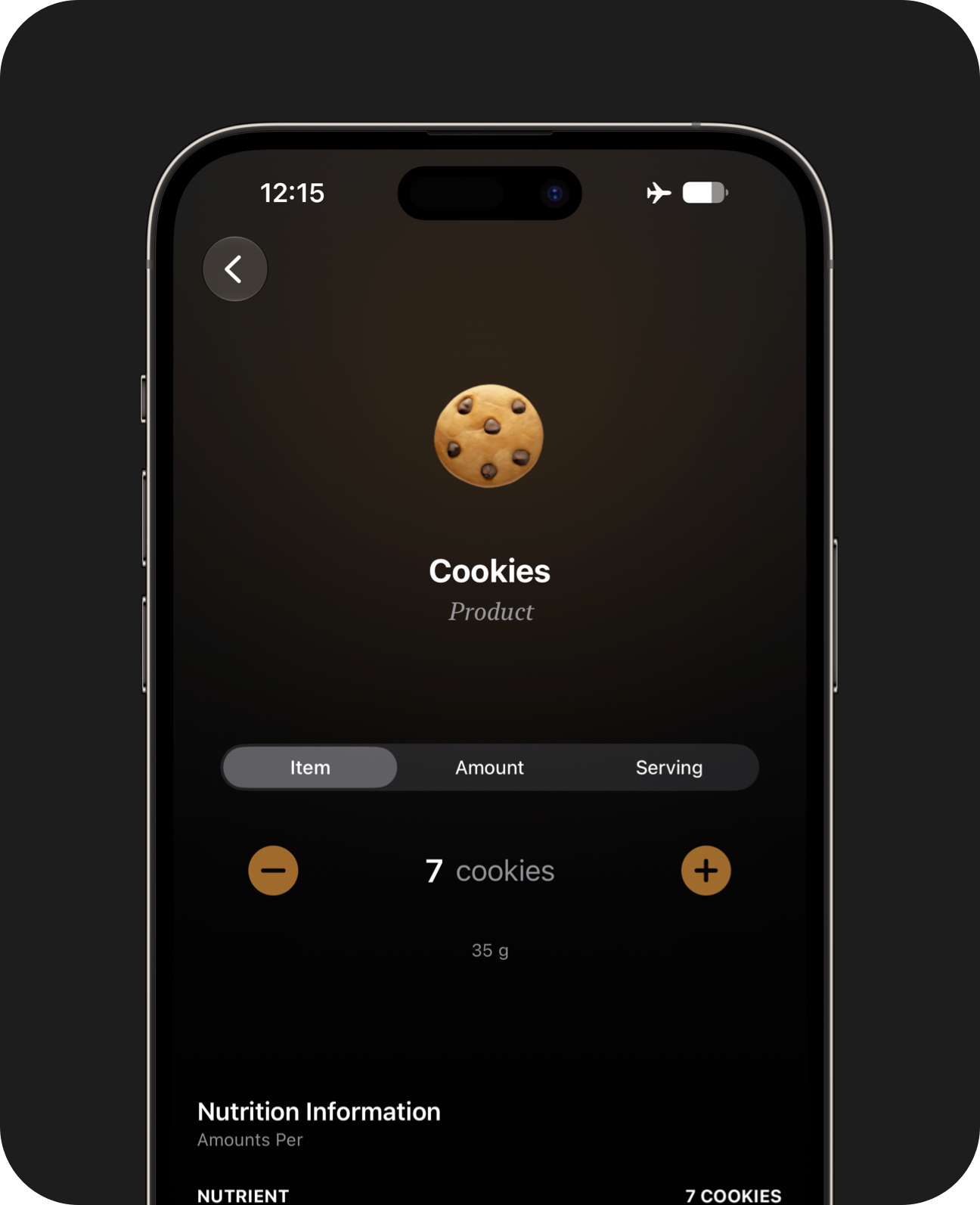
Custom Servings
Split foods in different ways, including by weight, servings, item count, or a share of the container.
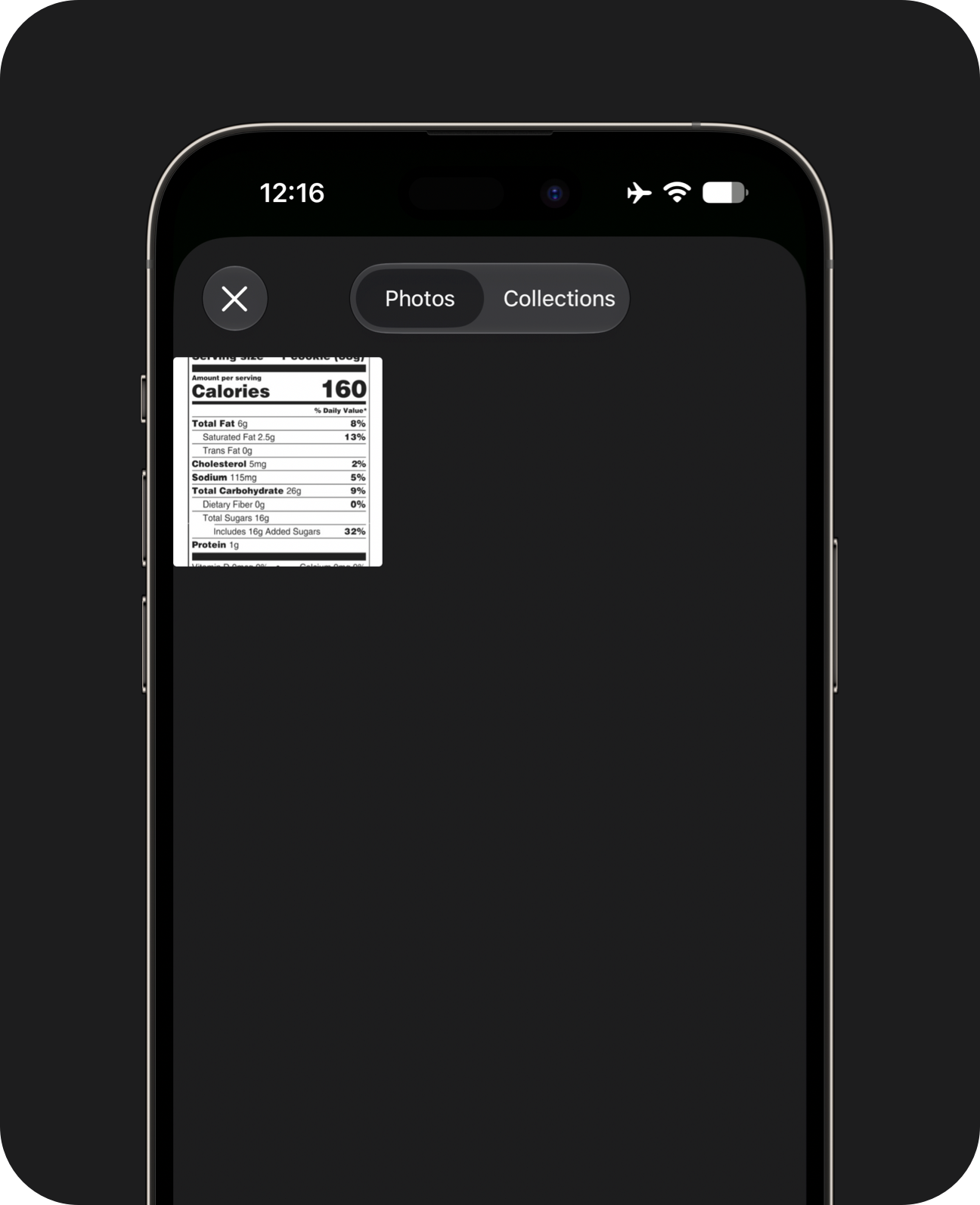
Flexible Entry
Scan a label with the camera, or pick a screenshot from your library.
Label scanning is a Pro feature. Not all label formats are supported. The scanner makes mistakes from time to time. Verify and adjust results before saving.
Meal Prep
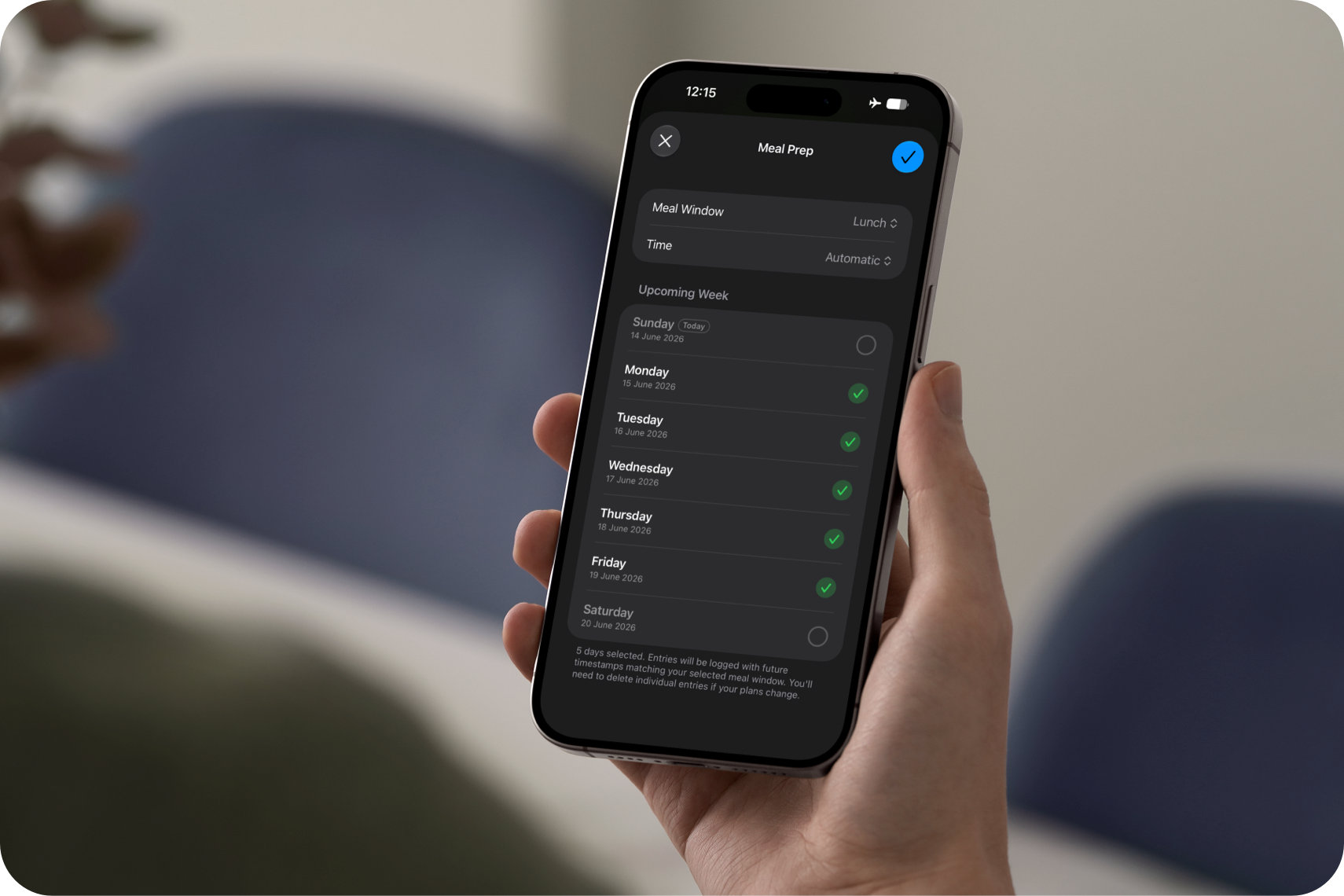
Add the same meal to several days at once, or copy foods you've already logged into the week ahead, so you can spend less time opening the app.
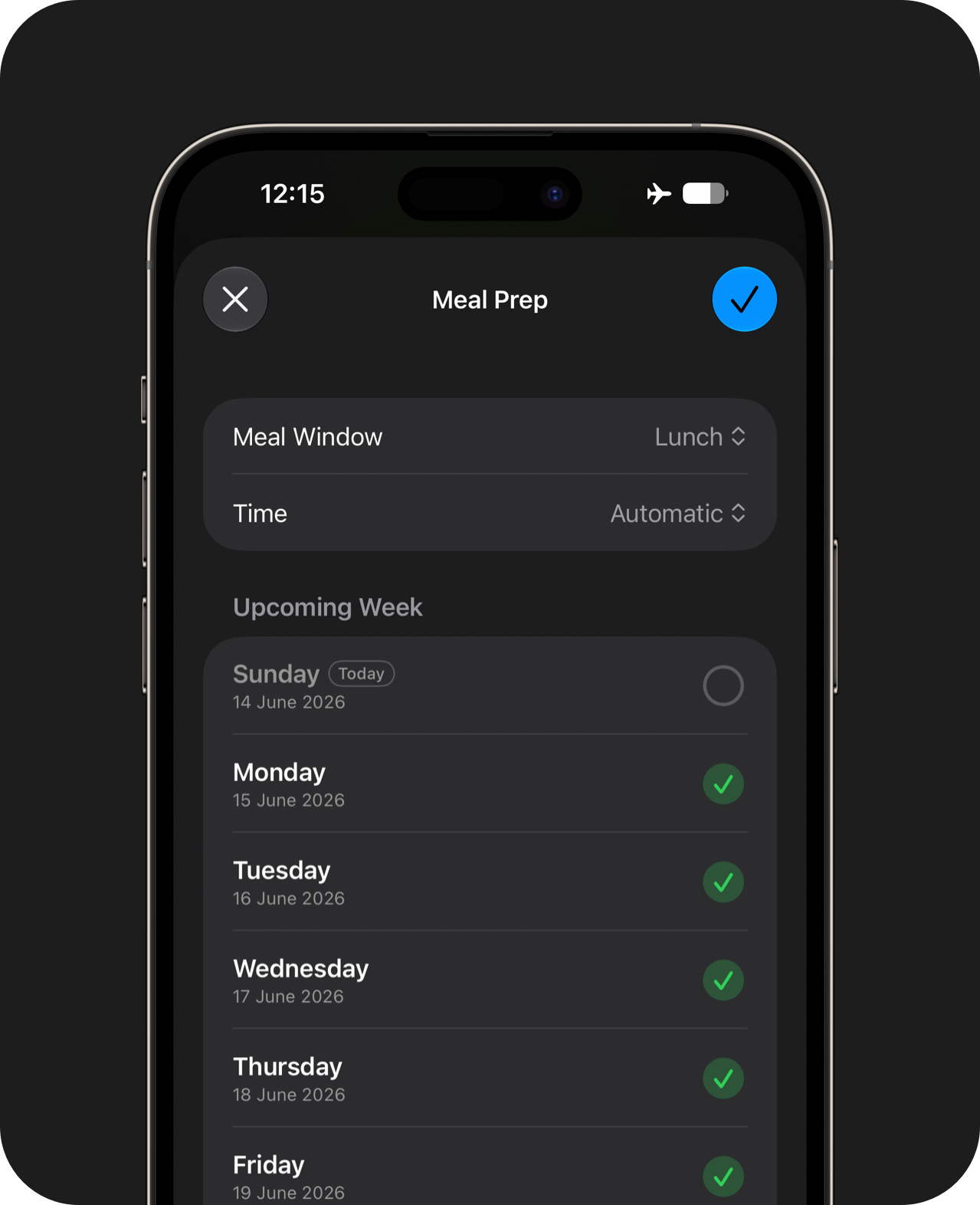
Meal Prep
Log the same meal across multiple days. This is great if you prepare the same recipes for each meal in batches.
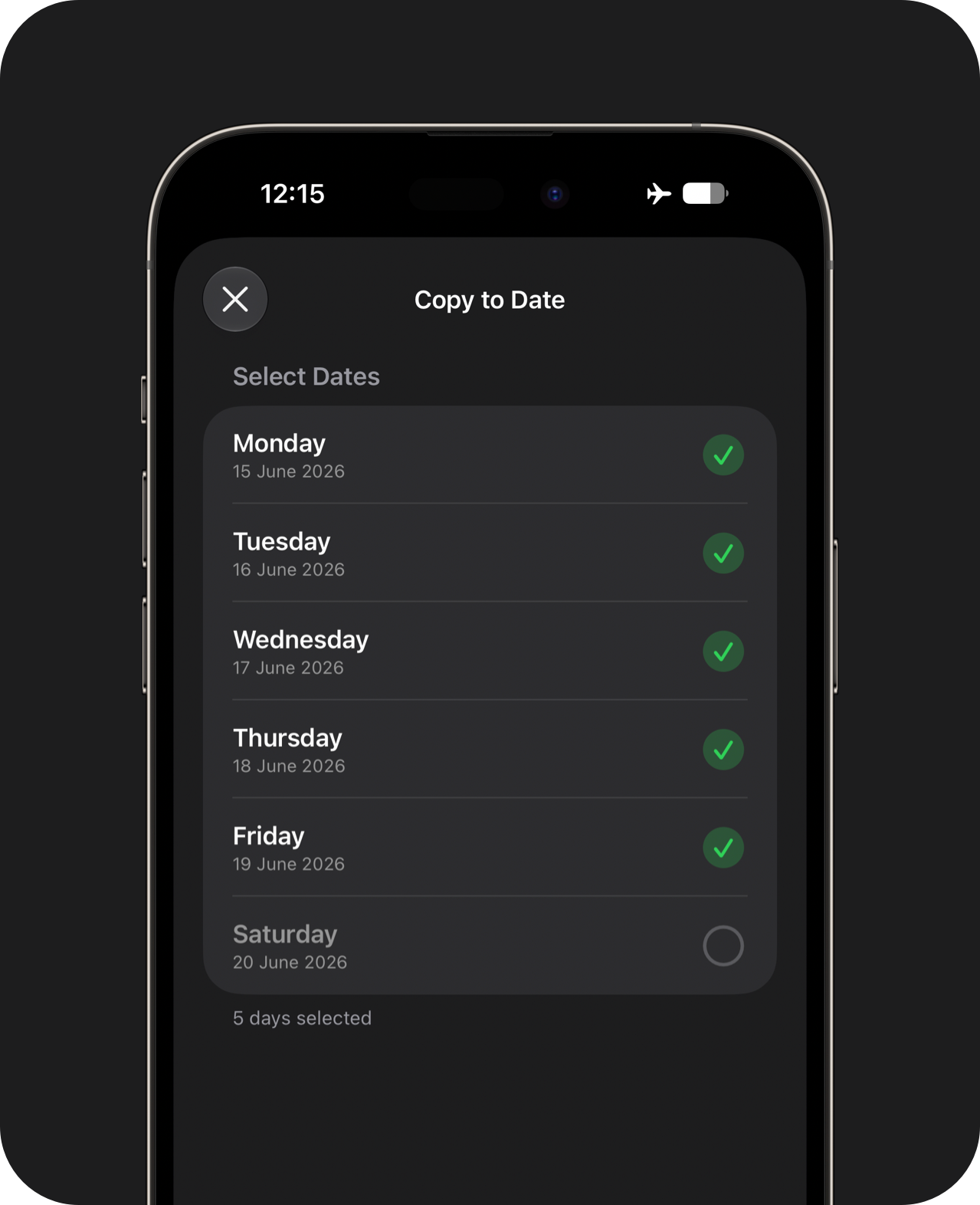
Copy to Date
If you've already logged a day's worth of food, you can pick and choose the foods you want to copy across to other days.
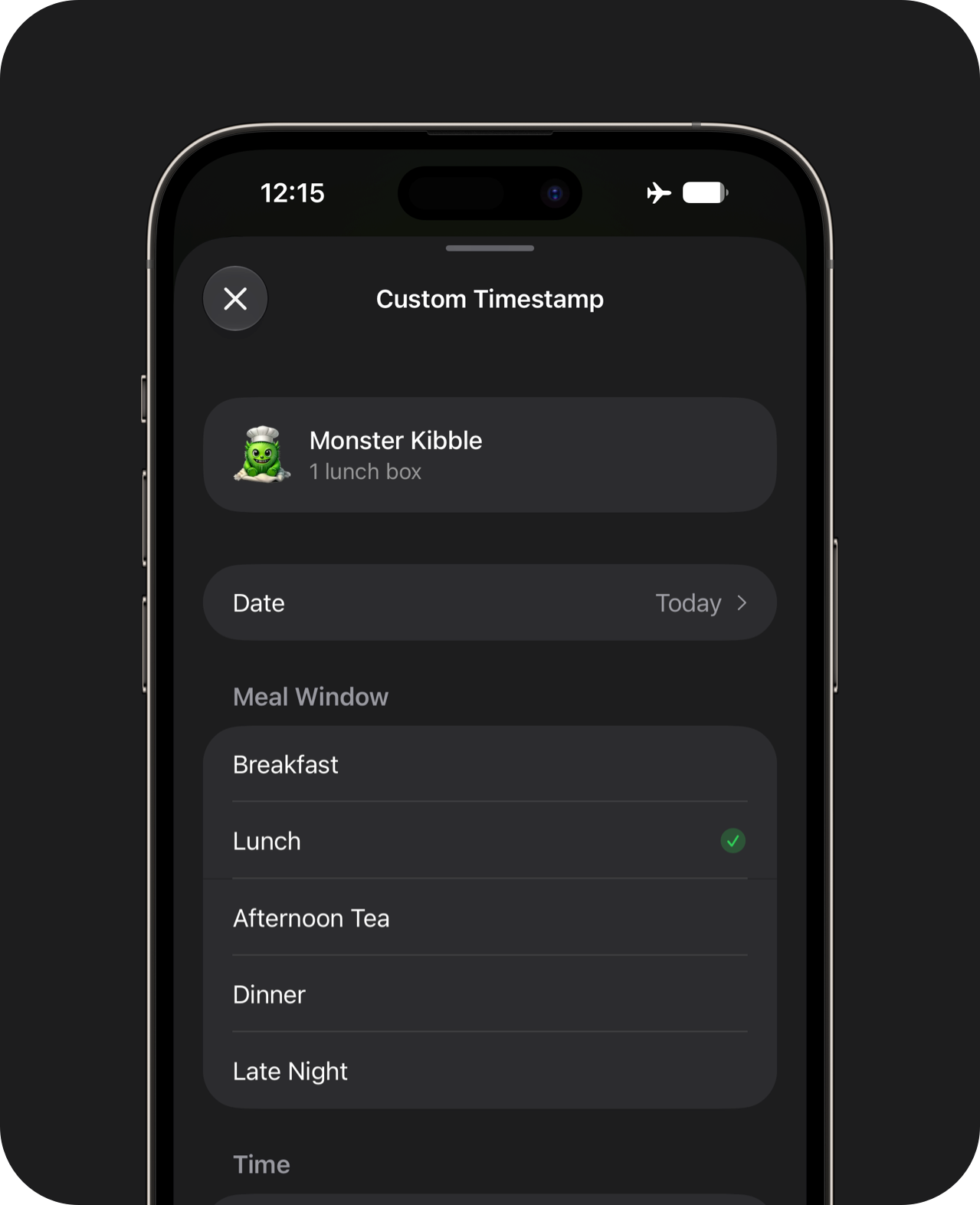
Custom Timestamps
Log foods with custom dates and timestamps.
Meal Prep, Copy to Date and Custom Timestamps are available in Pro.
Apple Health Integration
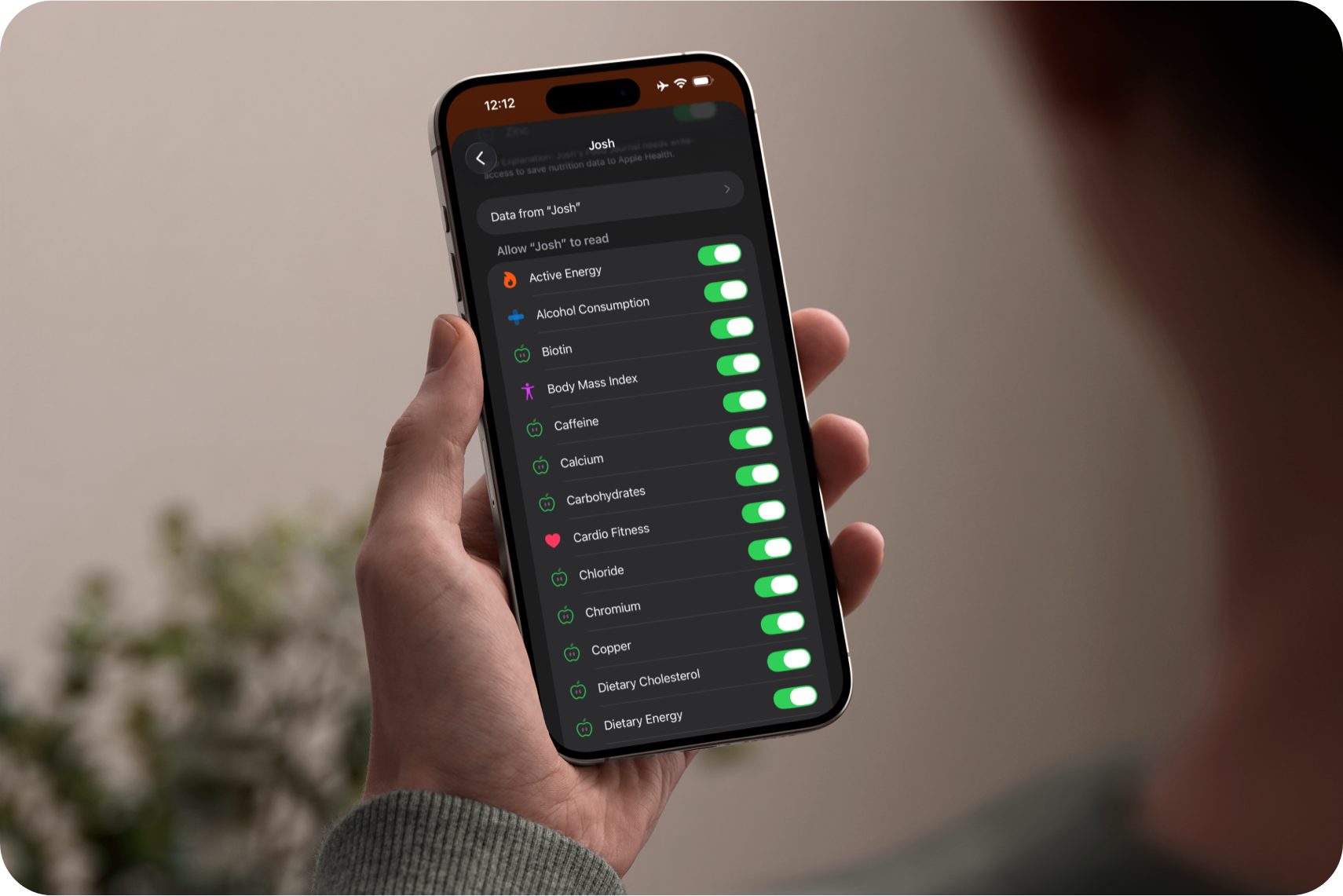
Keep using the health and nutrition apps that work for you. Nutrition recorded through Apple Health can count toward your goals here, while entries from Josh's Food Journal can be saved back to Apple Health.
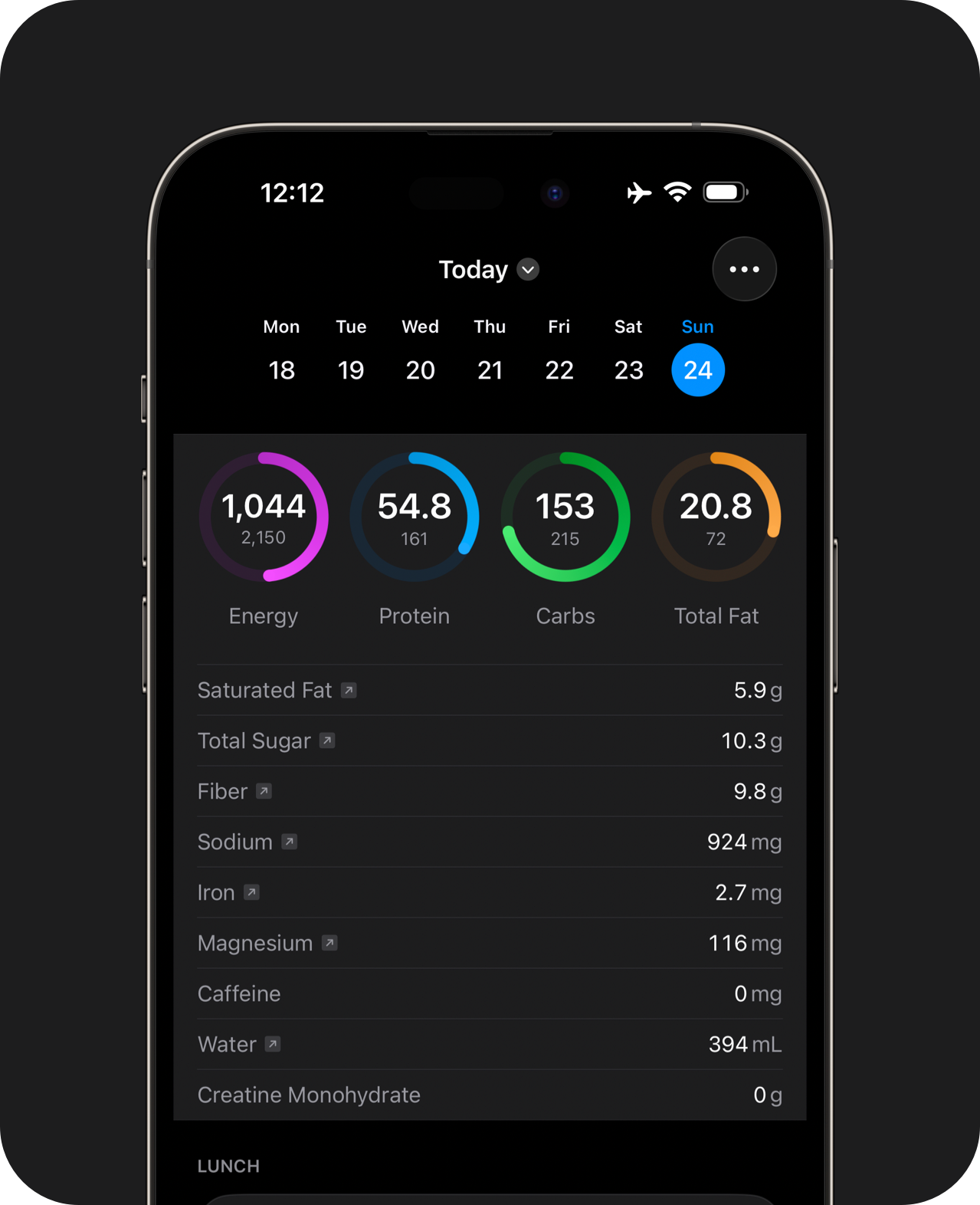
Reads from Health
Foods logged to Apple Health from external apps count toward your goals.
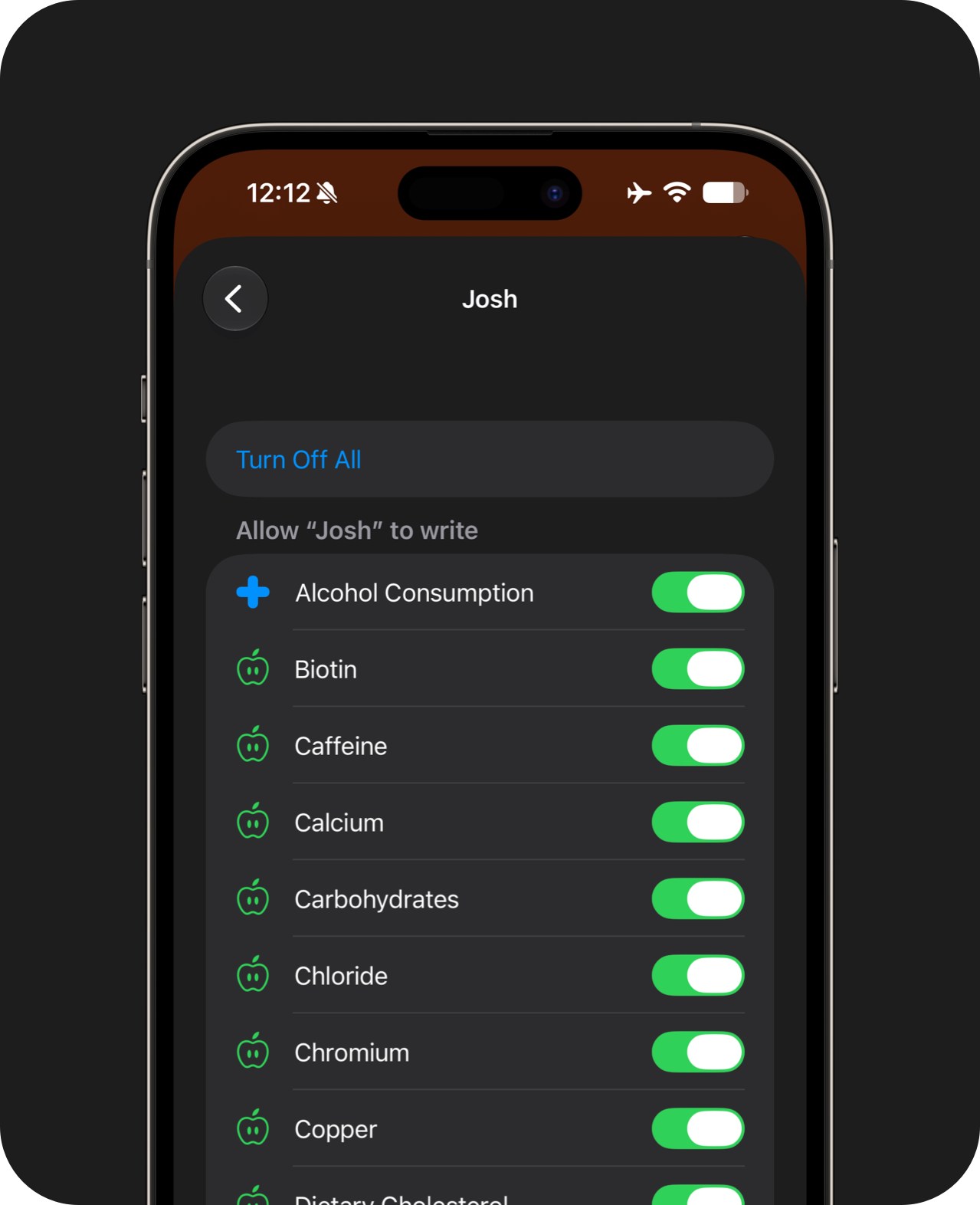
Saves to Health
Data from this app flows into your preferred data analysis platform through Apple Health.
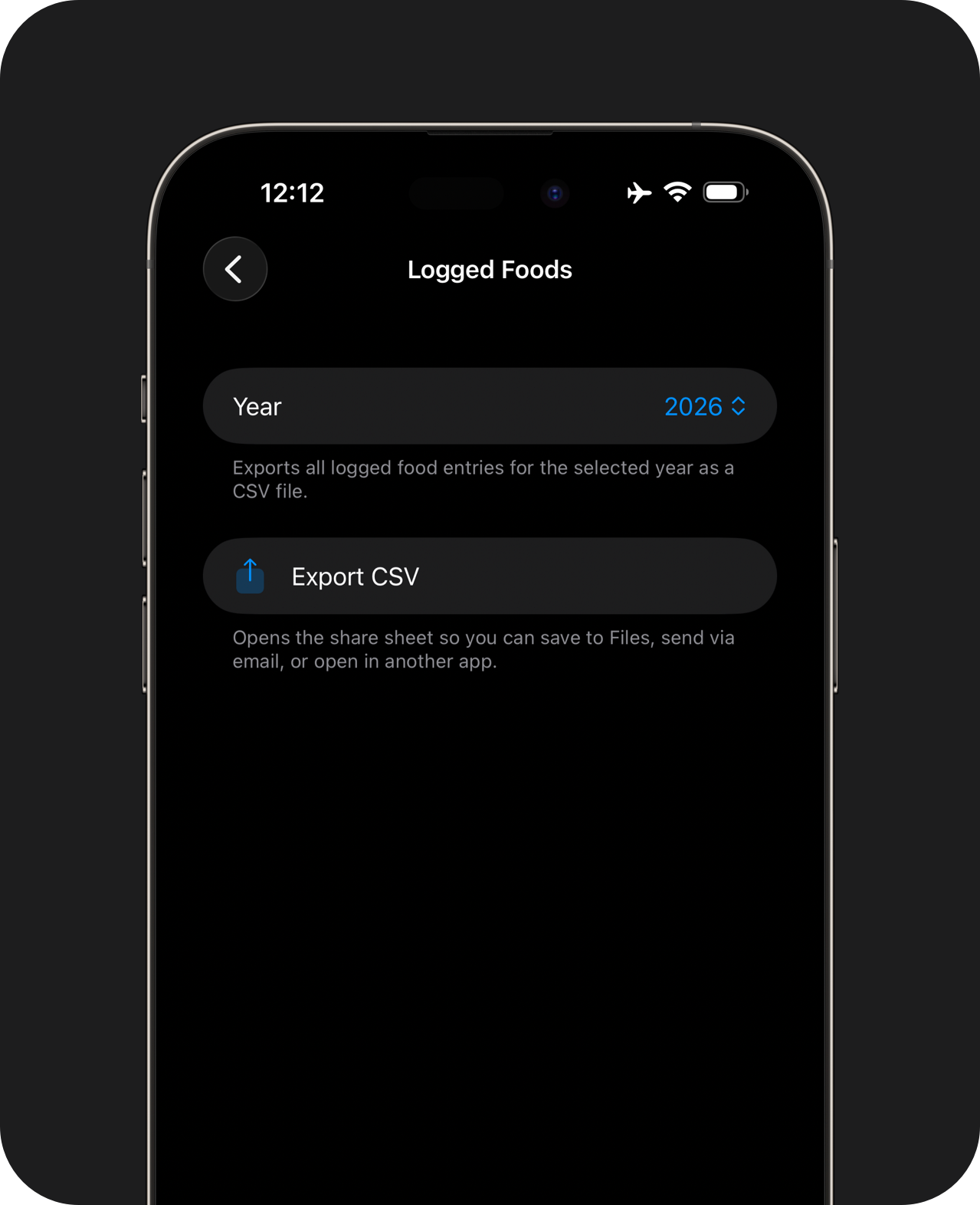
Data Export
Export daily notes and nutrition logs to CSV.
Apple Health read and write access is required to view external foods and to save data back to Apple Health. Manual CSV exports are also available.
Josh’s Food Journal is built around the foods you love. It’s fast, works offline, and doesn't have ads. Pro unlocks additional features and supports independent development.
Thanks for stopping by, have a great day :)