Introducing, Josh's Food Journal
The tracker designed around your routine
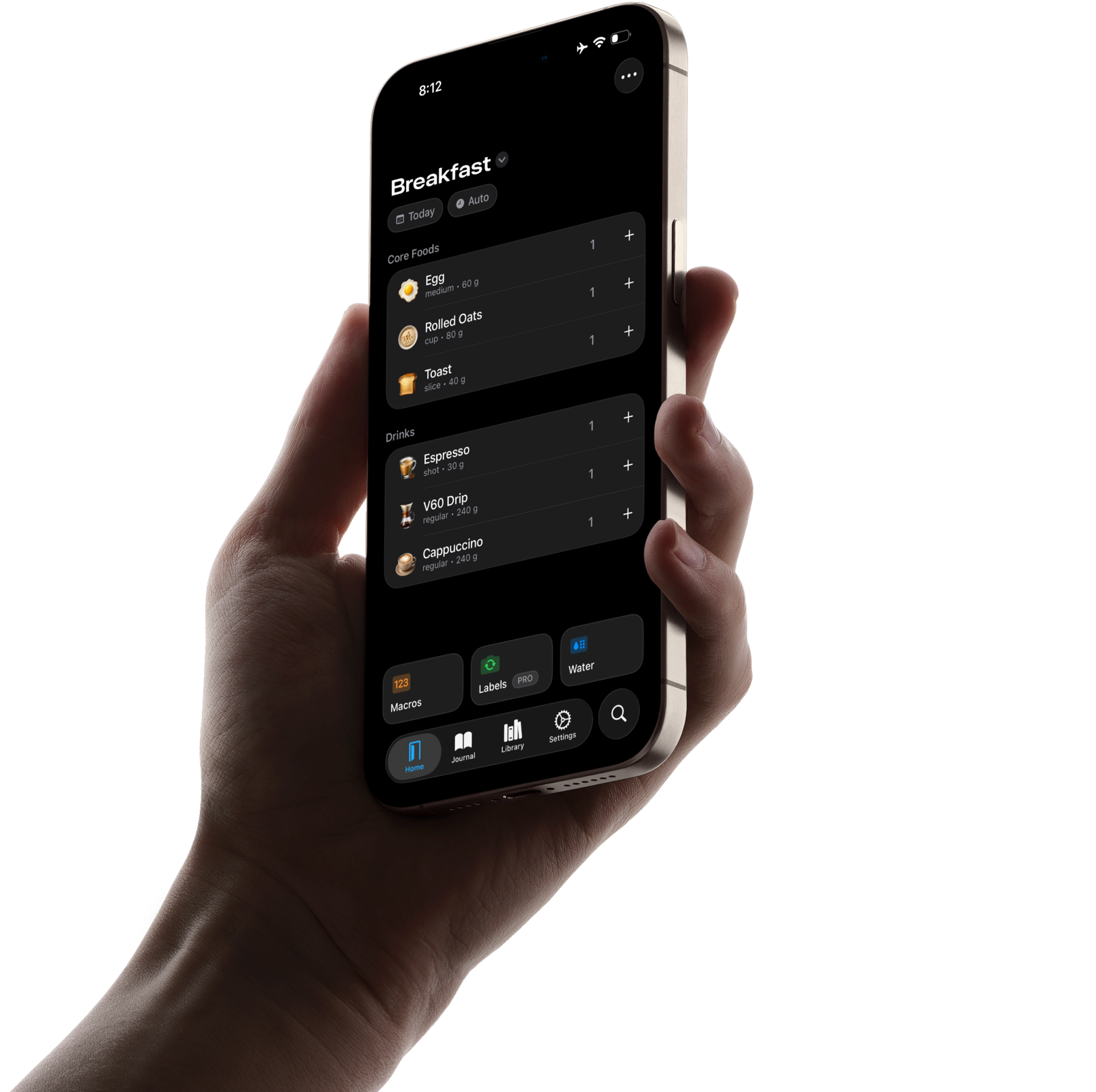
Introducing, Josh's Food Journal
Josh's Food Journal is a nutrition tracker, built for simple, repeating foods.
Custom Pages
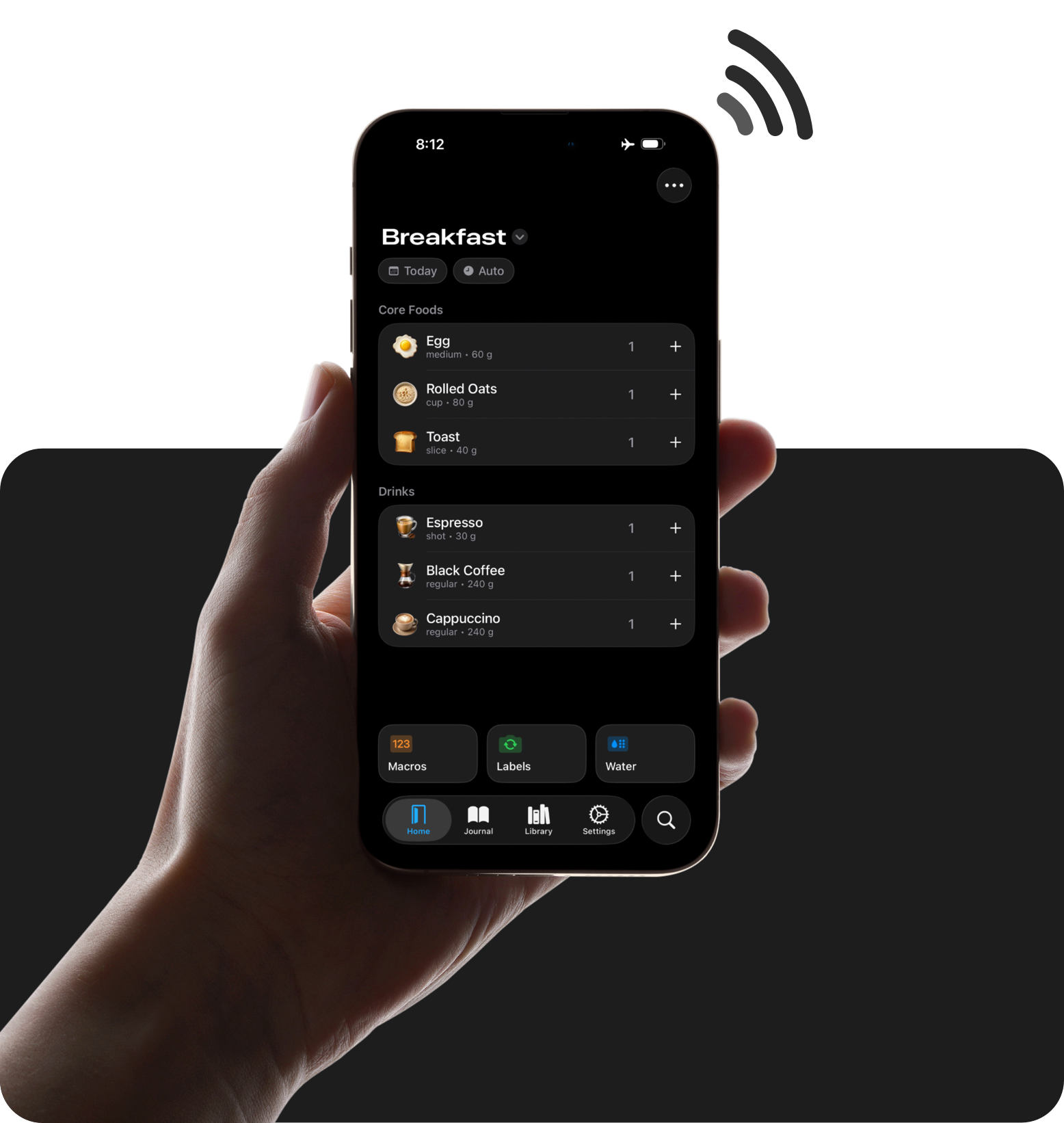
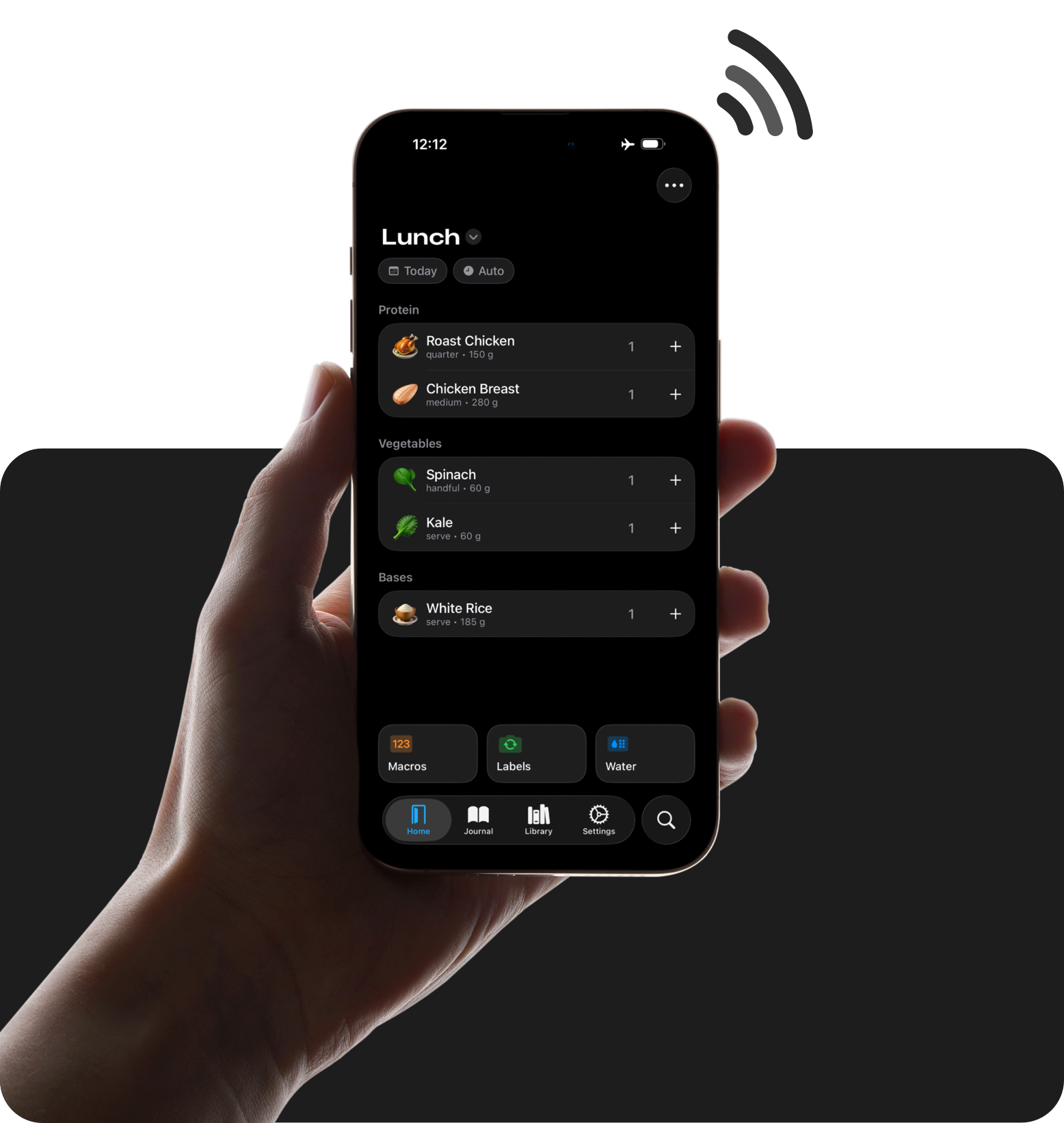
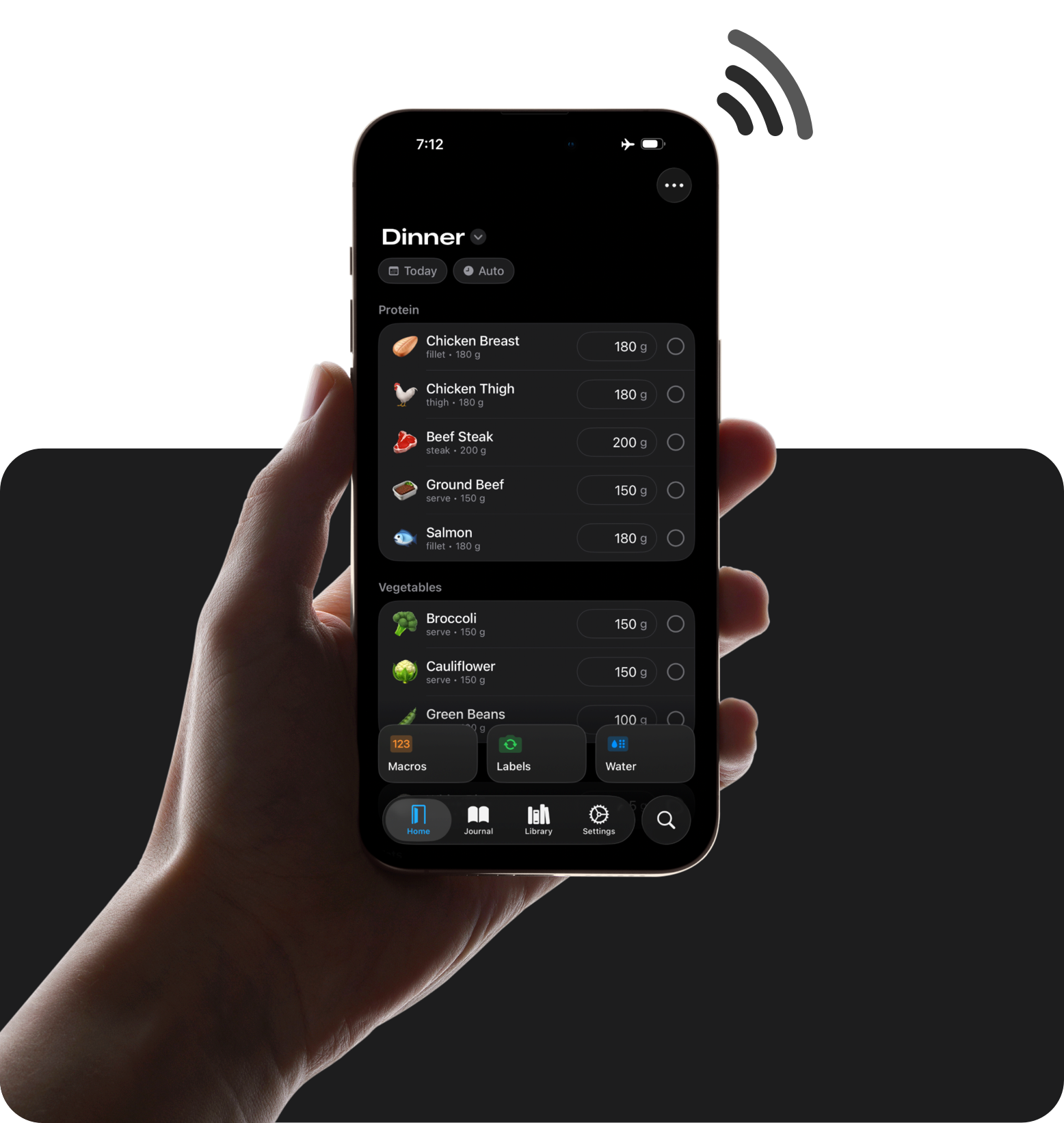
Log your favourite foods really quickly, no searching required.
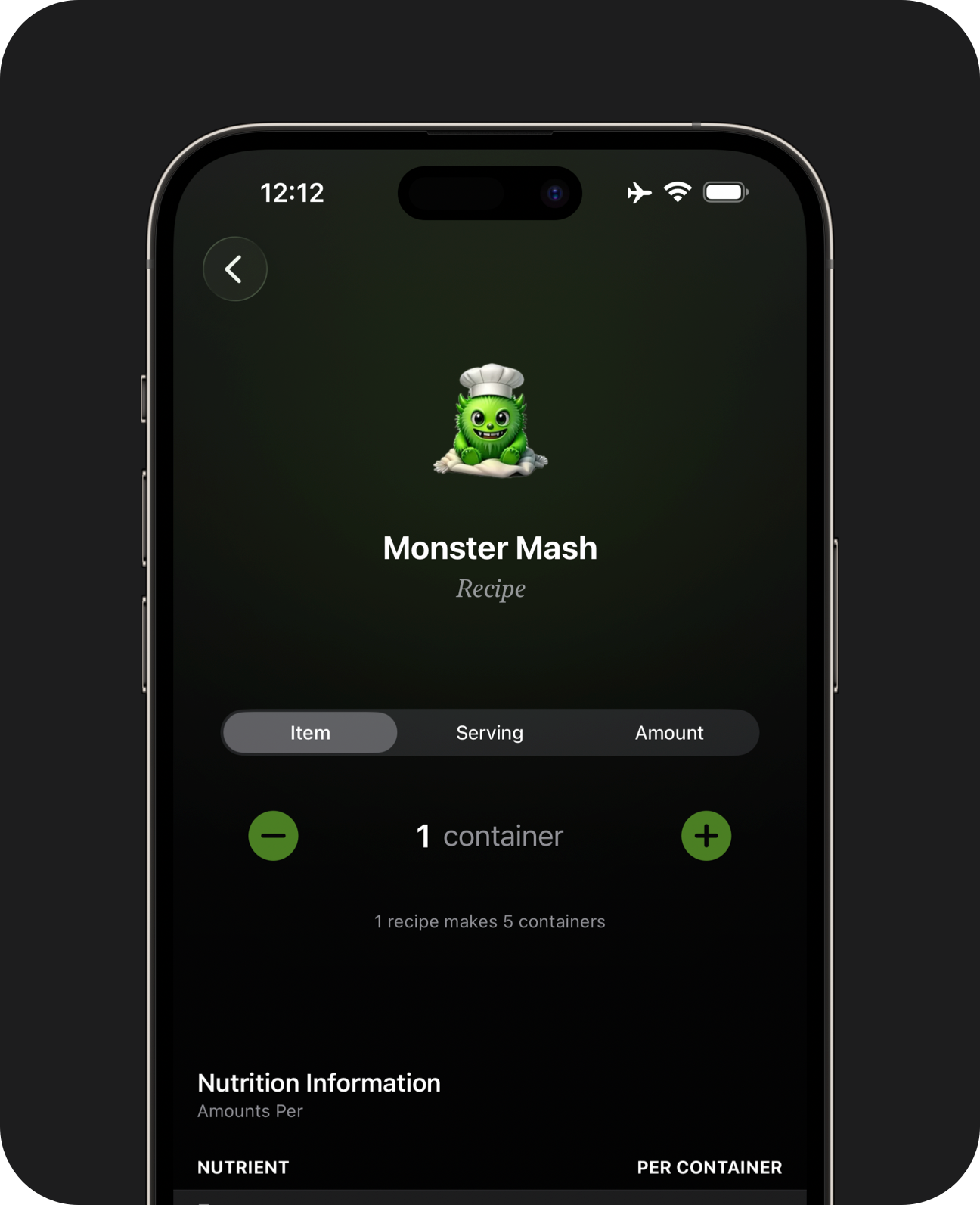
Genmoji
Give each food a recognisable icon. If the perfect emoji doesn't exist yet, try creating a Genmoji or sticker.
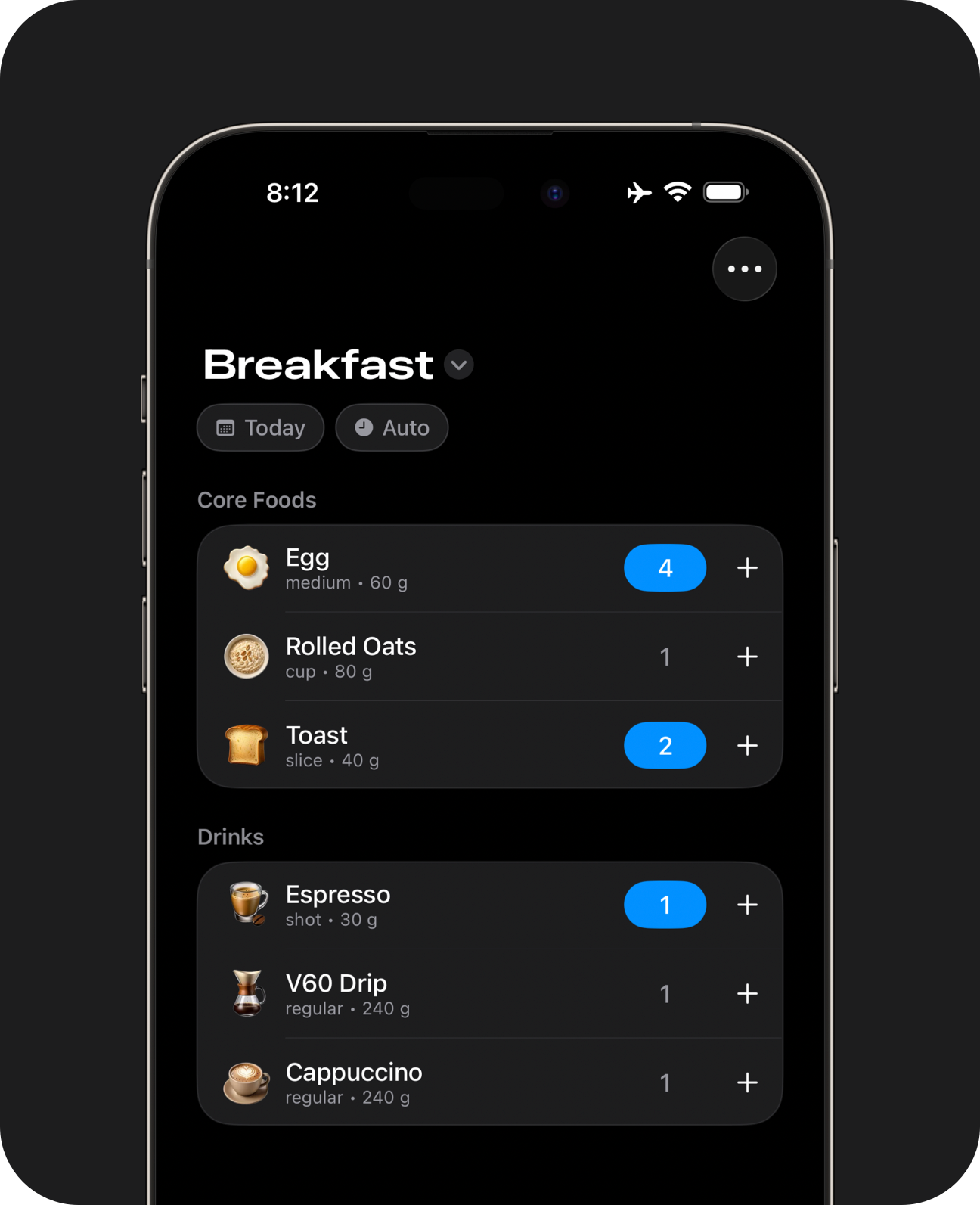
Keypad Buttons
Use keypad buttons to select multiple items and servings without switching pages.
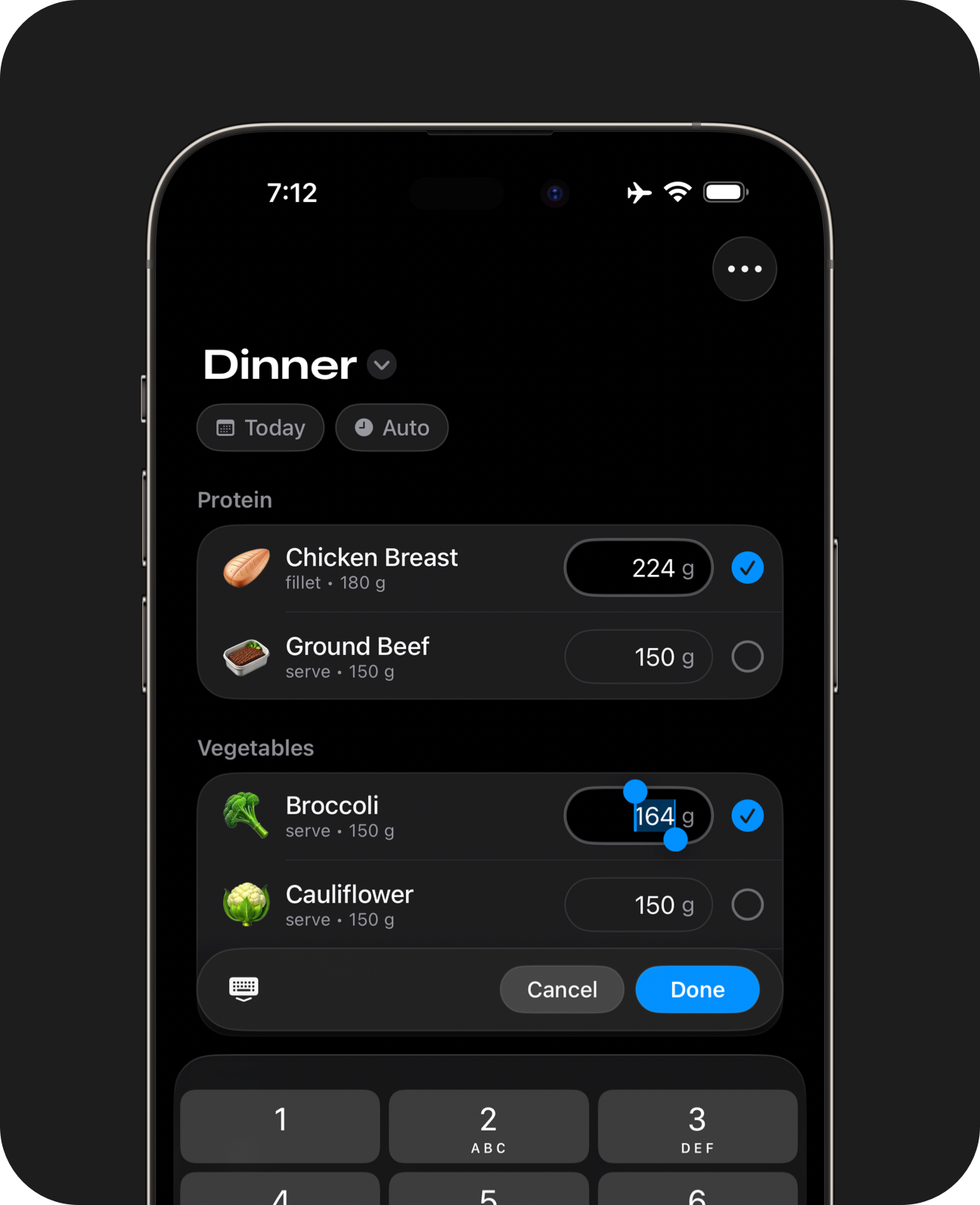
Precision Buttons
Use precision buttons to enter weights for multiple items without switching pages.
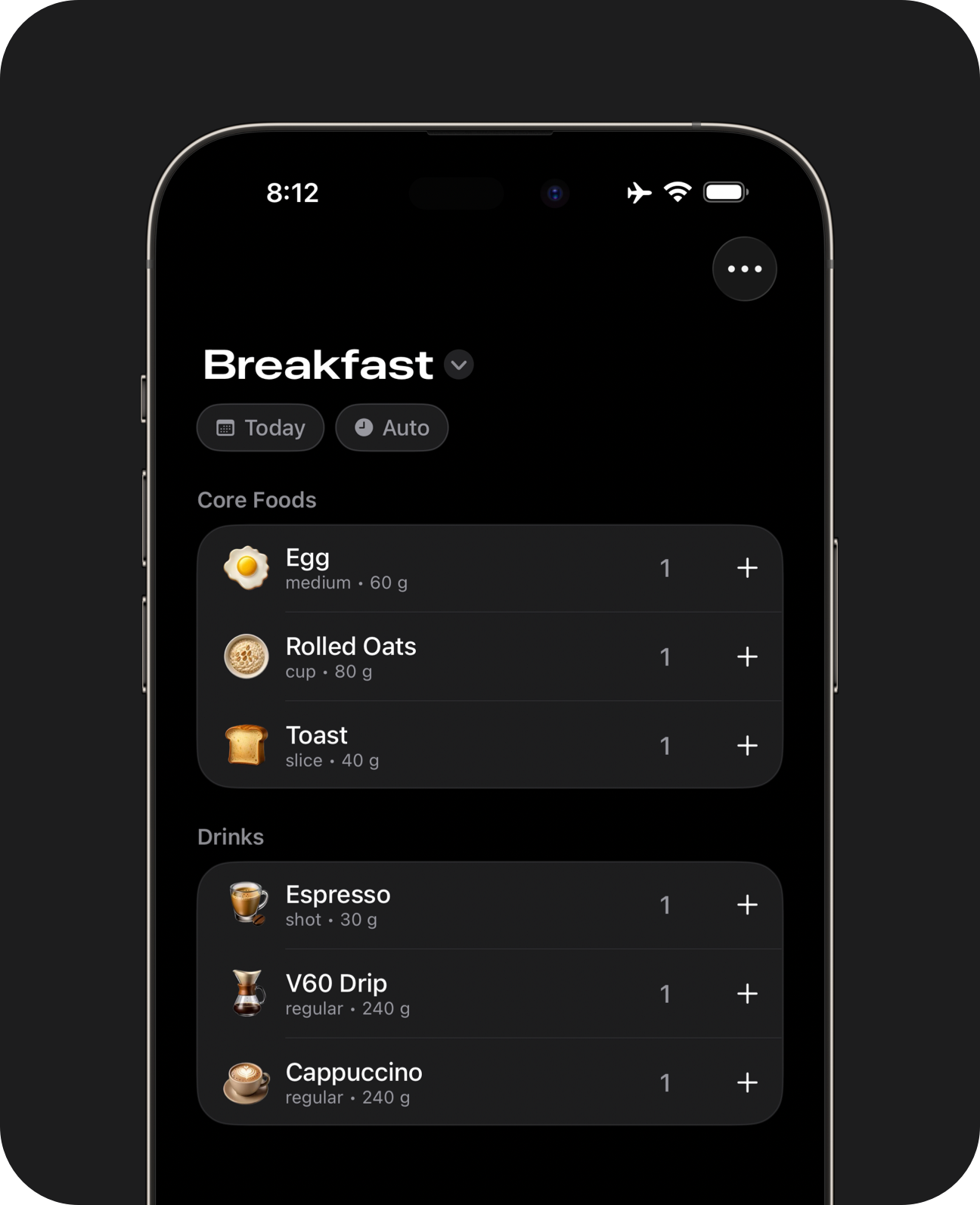
Bookmarks
Save individual servings, recipes or set menus for easy access. Each bookmark is one less thing you'll need to find, search or scan for each meal.
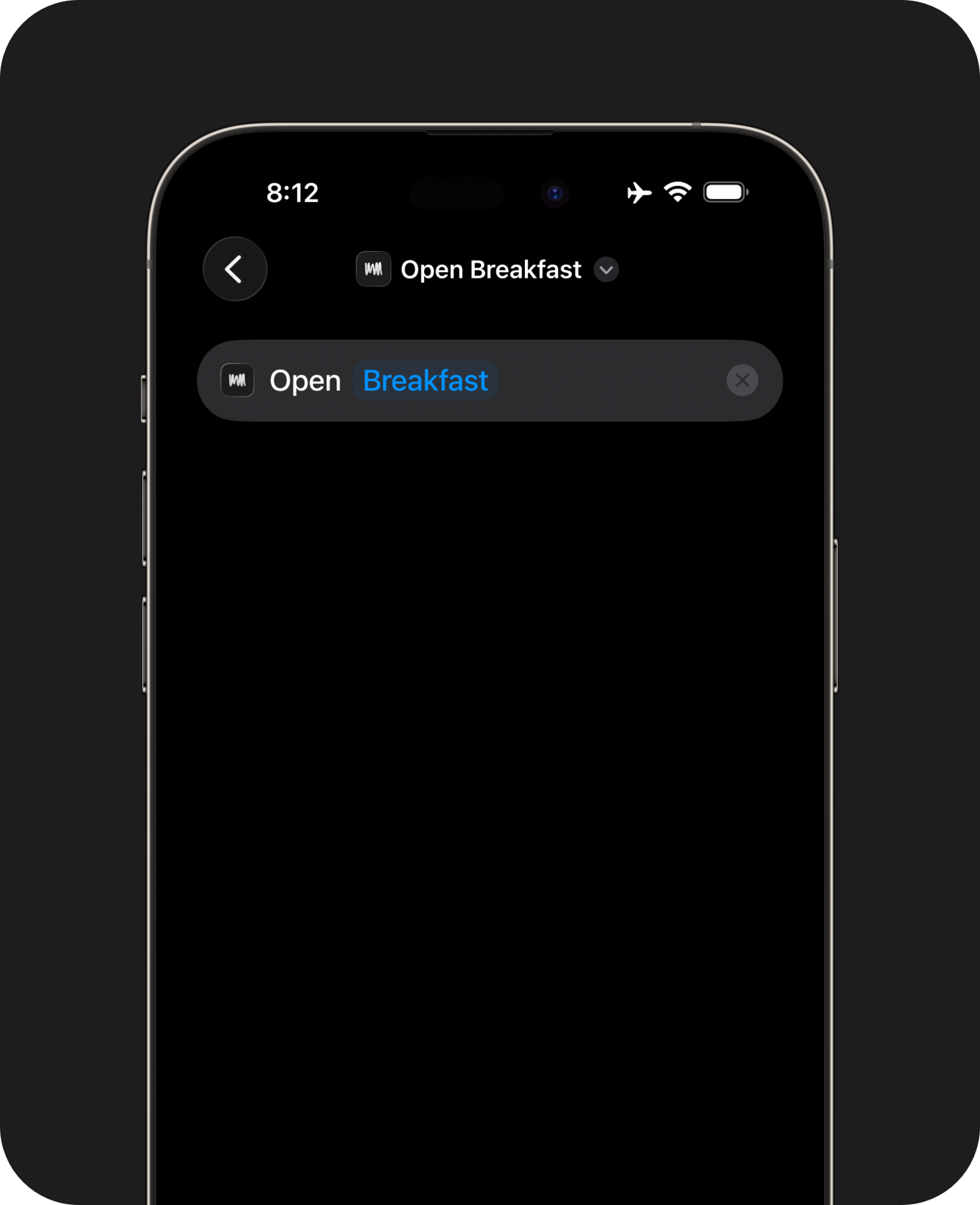
Automatic Routing
Jump to a specific meal using on-screen buttons or iOS shortcuts.
On first launch, the app opens to the most relevant meal and page for the current time of day. Use the Now button or an iOS Shortcut to jump there if it's already open elsewhere. Precision weight controls and multiple pages per meal are available in Pro. Creating Genmoji requires a device compatible with Apple Intelligence. Genmoji is a registered trademark of Apple.
Whole Foods Database

It's perfect for places with limited internet coverage.
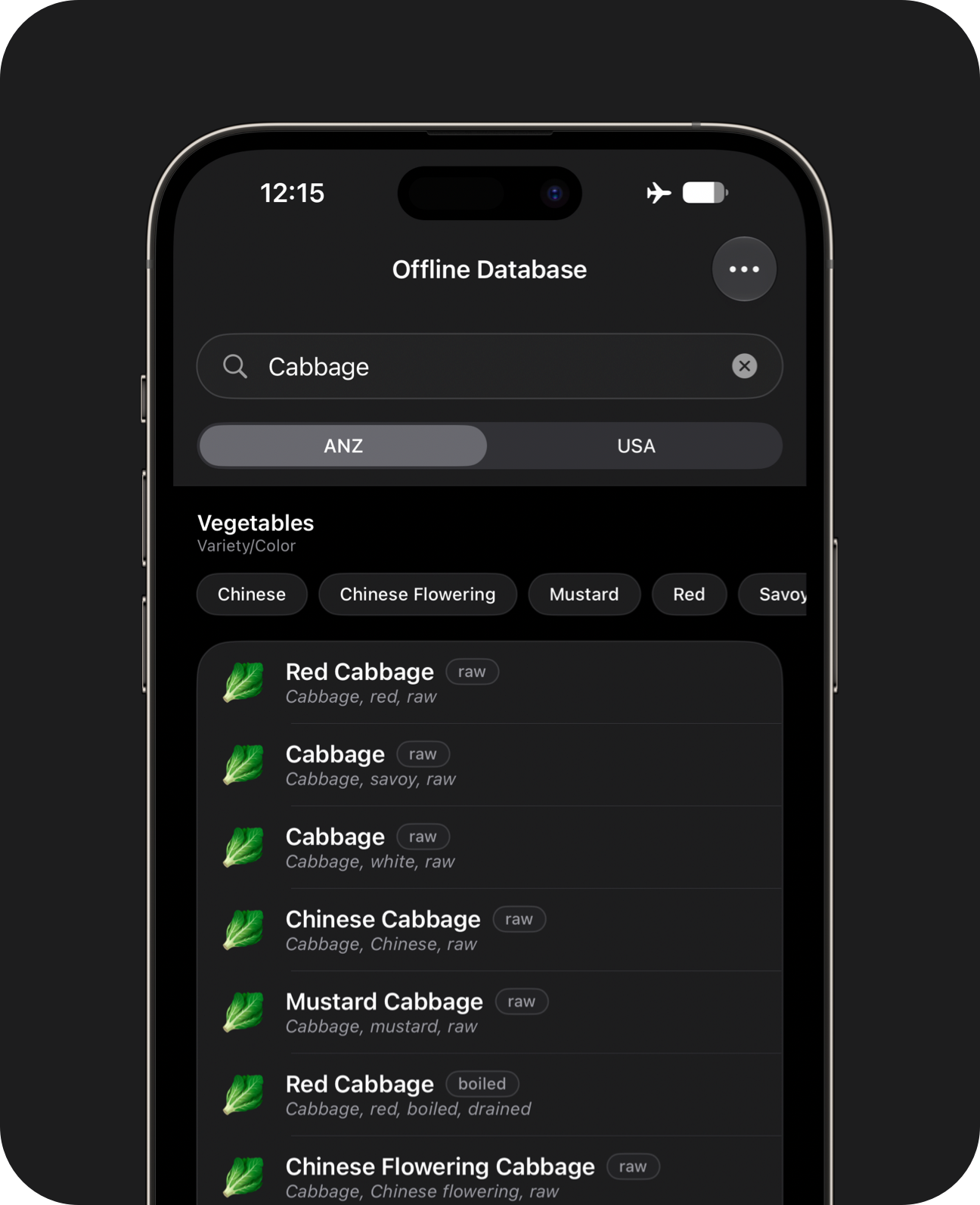
Search Filters
Use intelligent filters to find a specific ingredient.
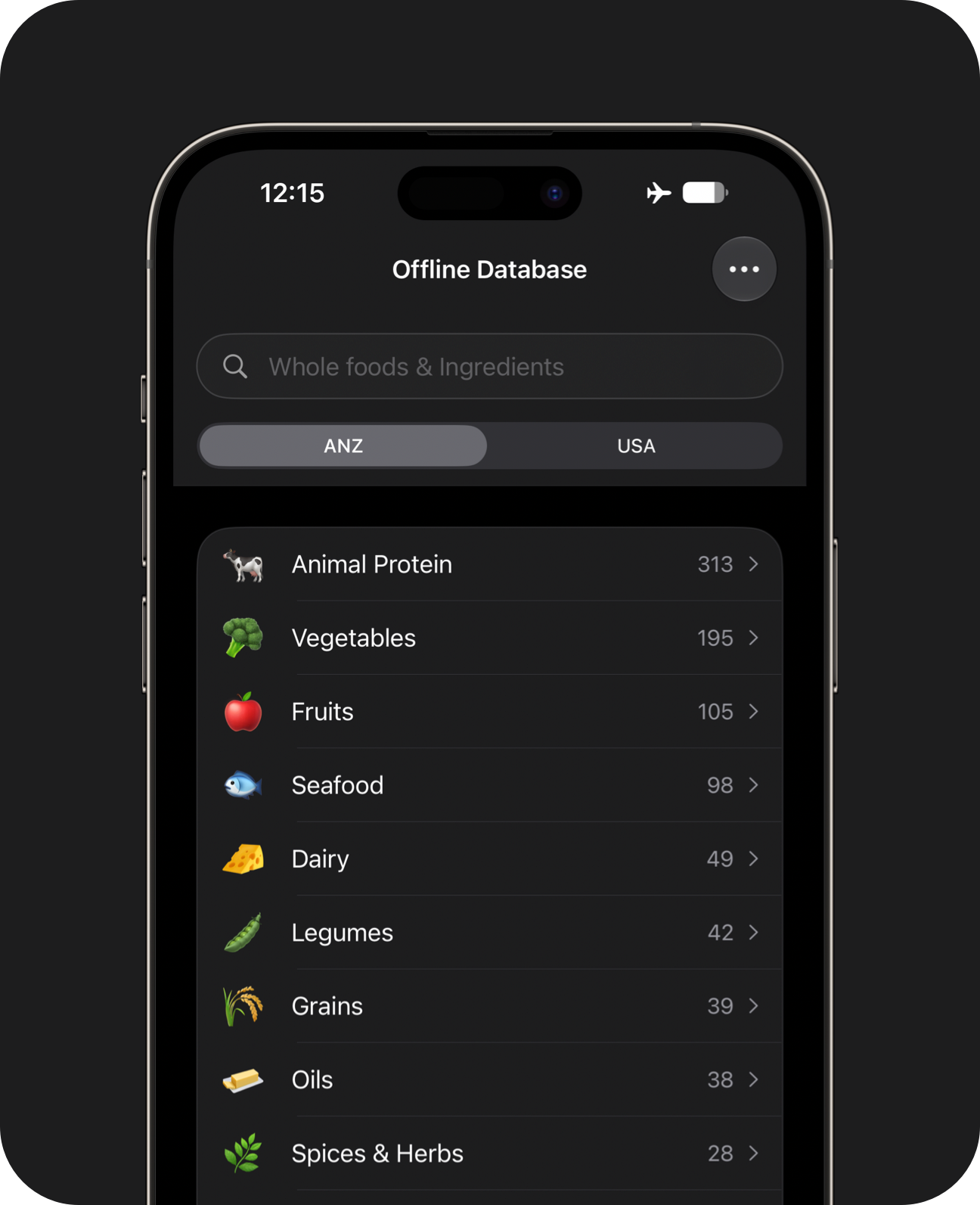
Dataset Browser
Explore the dataset by tapping through categories and filters.
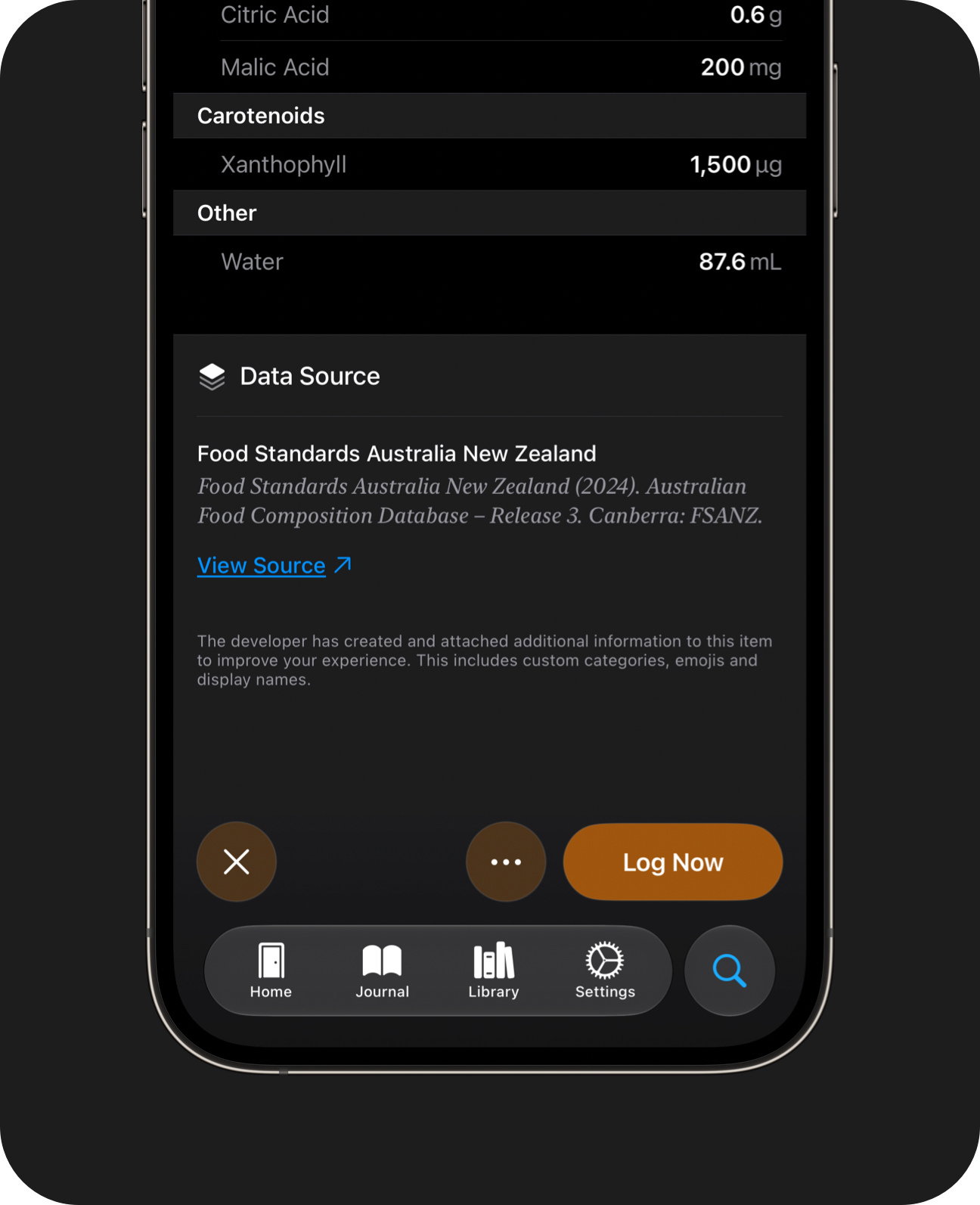
Data Provenance
Learn where each database item came from. Compare in-app values against the original dataset.
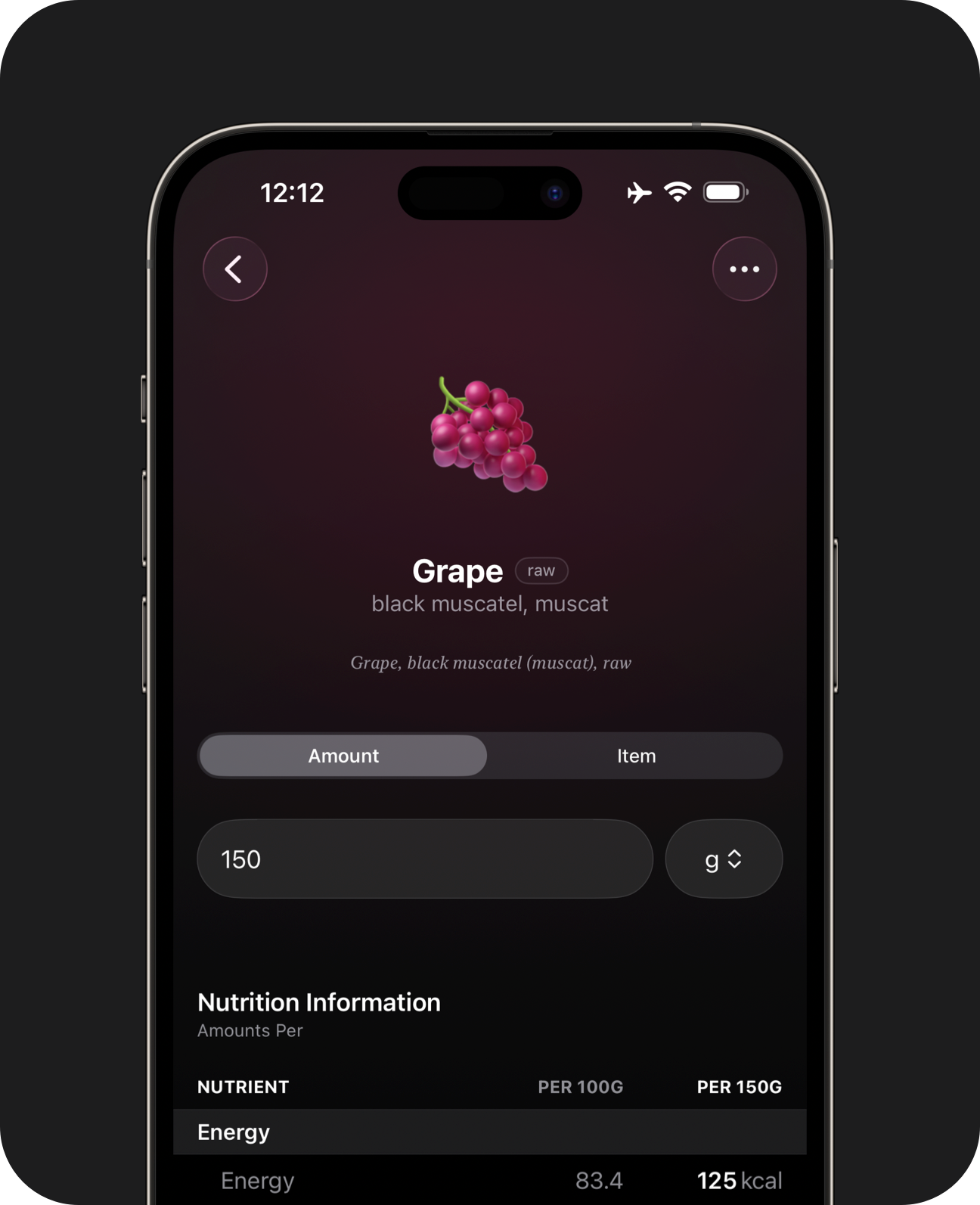
Weight Entry
Enter direct weights when logging foods.
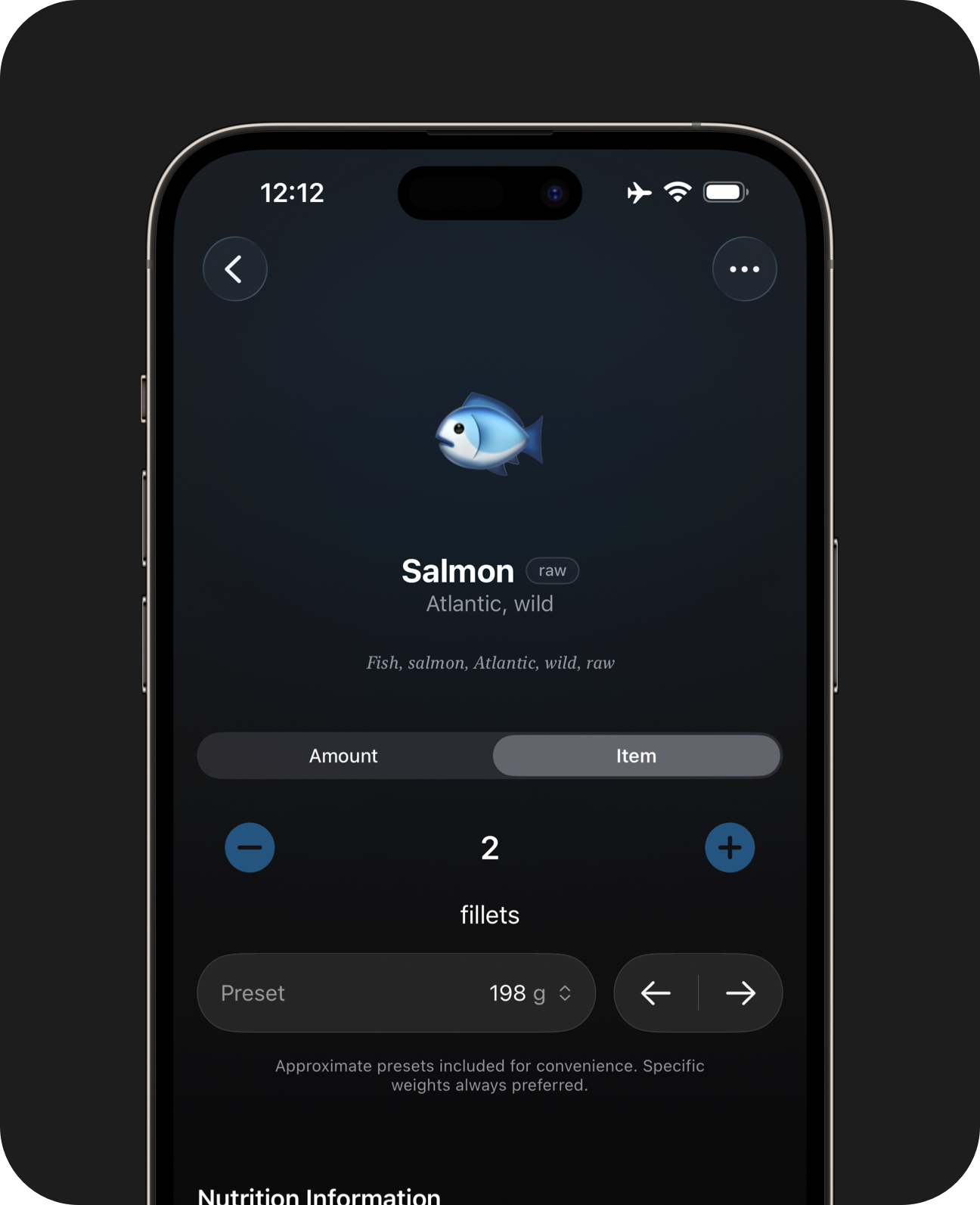
Item Presets
Log using approximate weight presets, where available.
The included database is a curated collection of whole foods and ingredients, designed to fit onto your device for offline use. It won't include community contributions, packaged items or restaurant foods.
Label Scanner
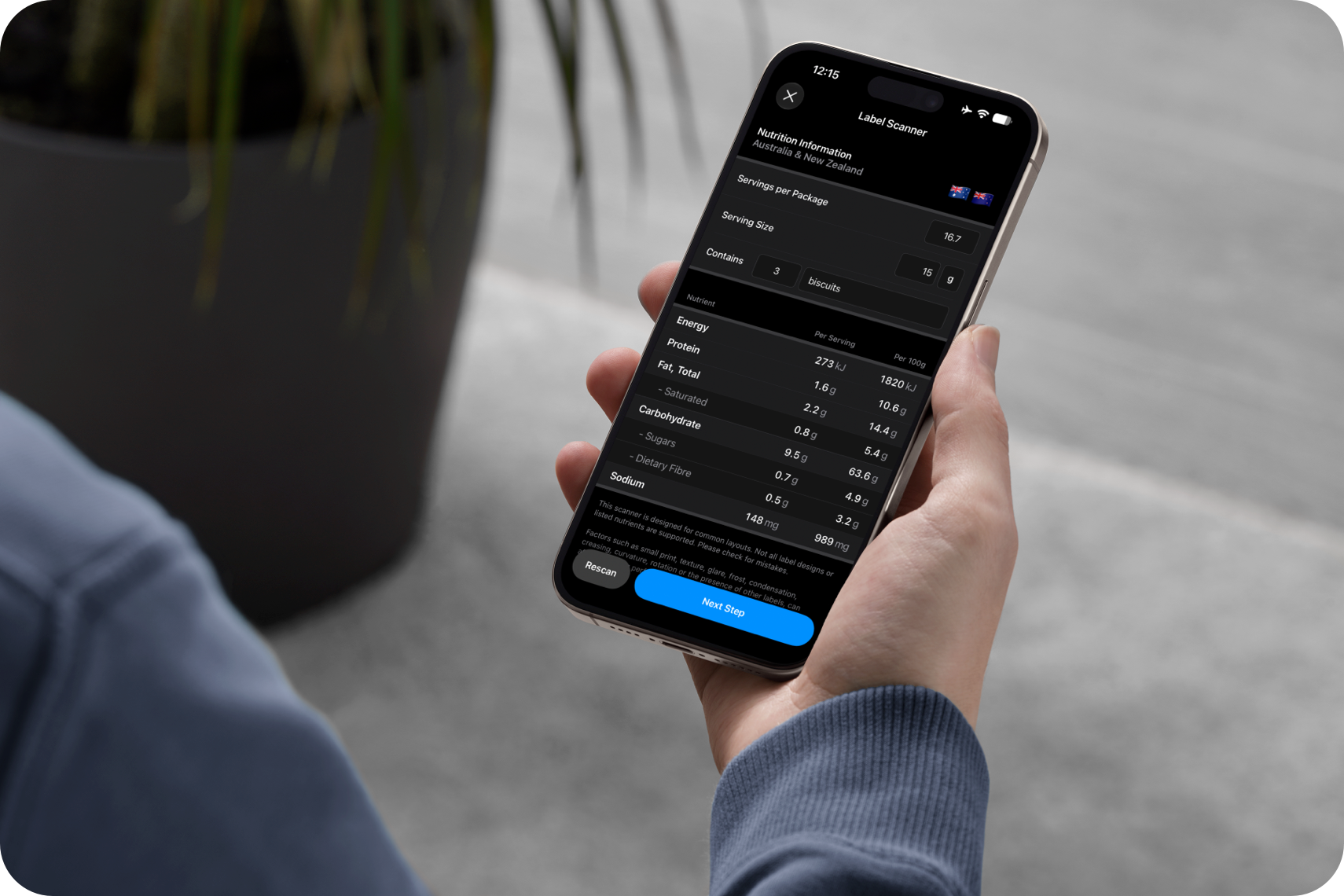
Log packaged foods or add them into recipes.
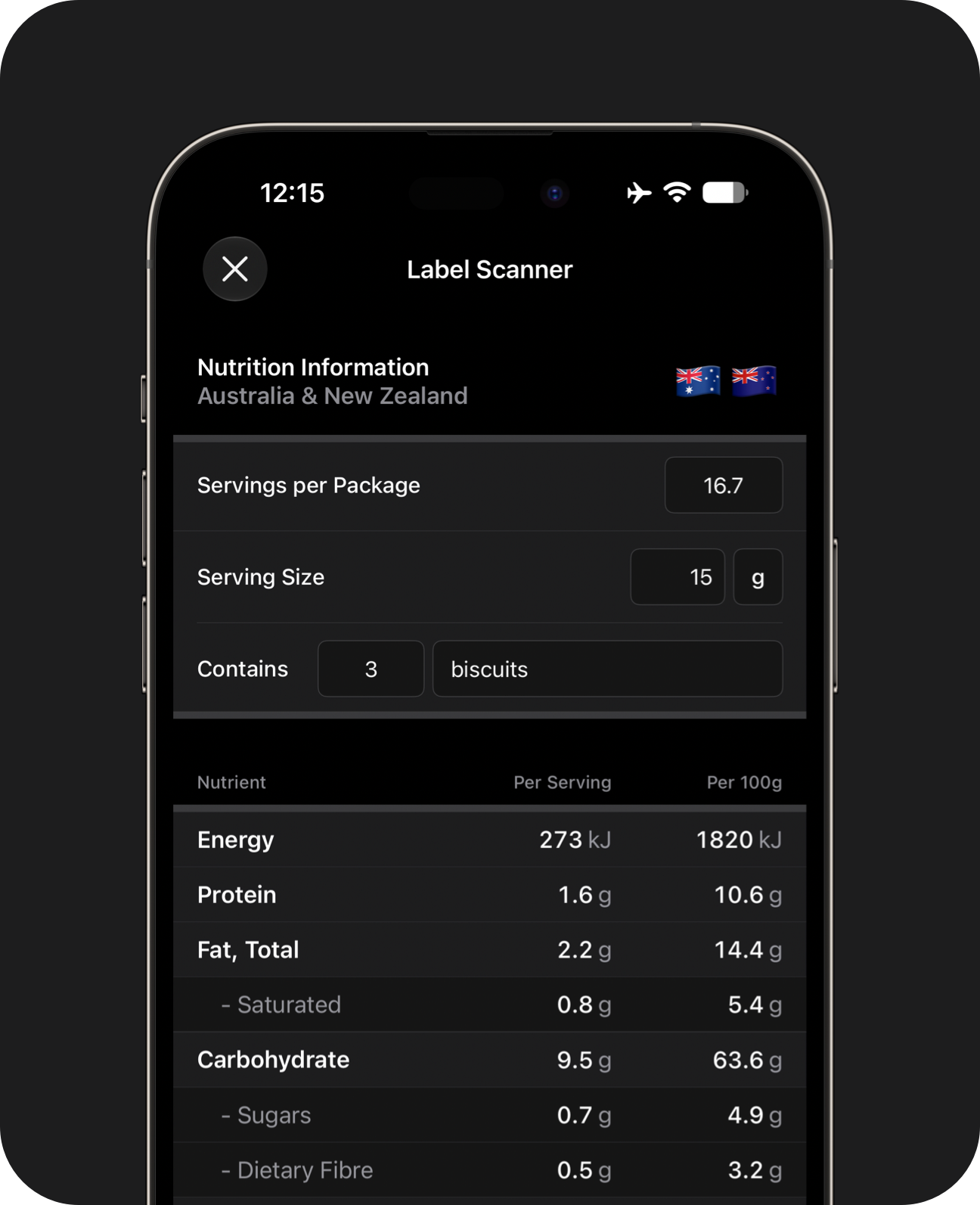
Familiar Layouts
Scanning results for AU & NZ products are displayed like a nutrition information panel, making it easier to compare against the label and adjust before saving.
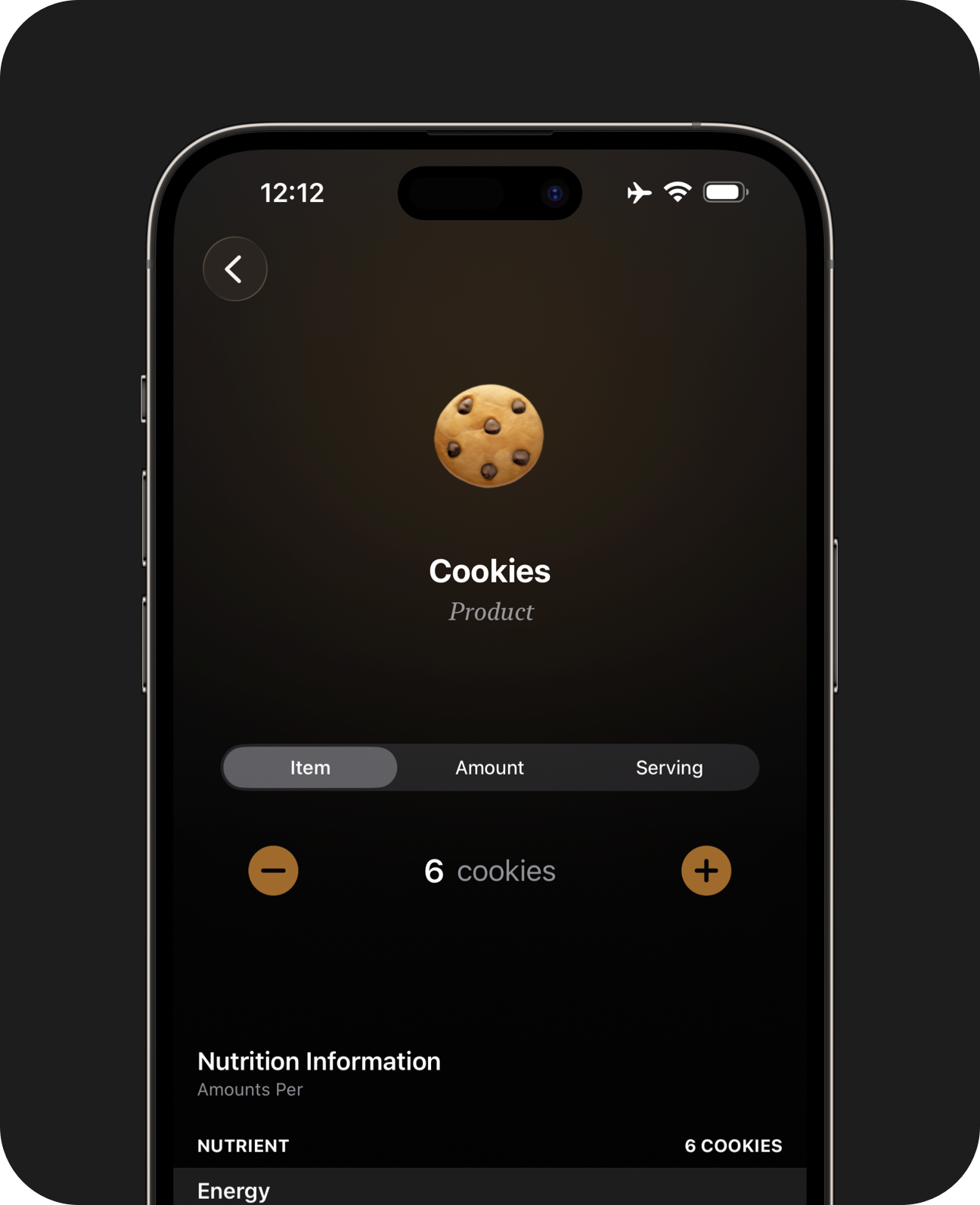
Custom Servings
Log by weight, servings, or a share of the total container. You can also count items independently of recommended serving sizes, without doing maths.
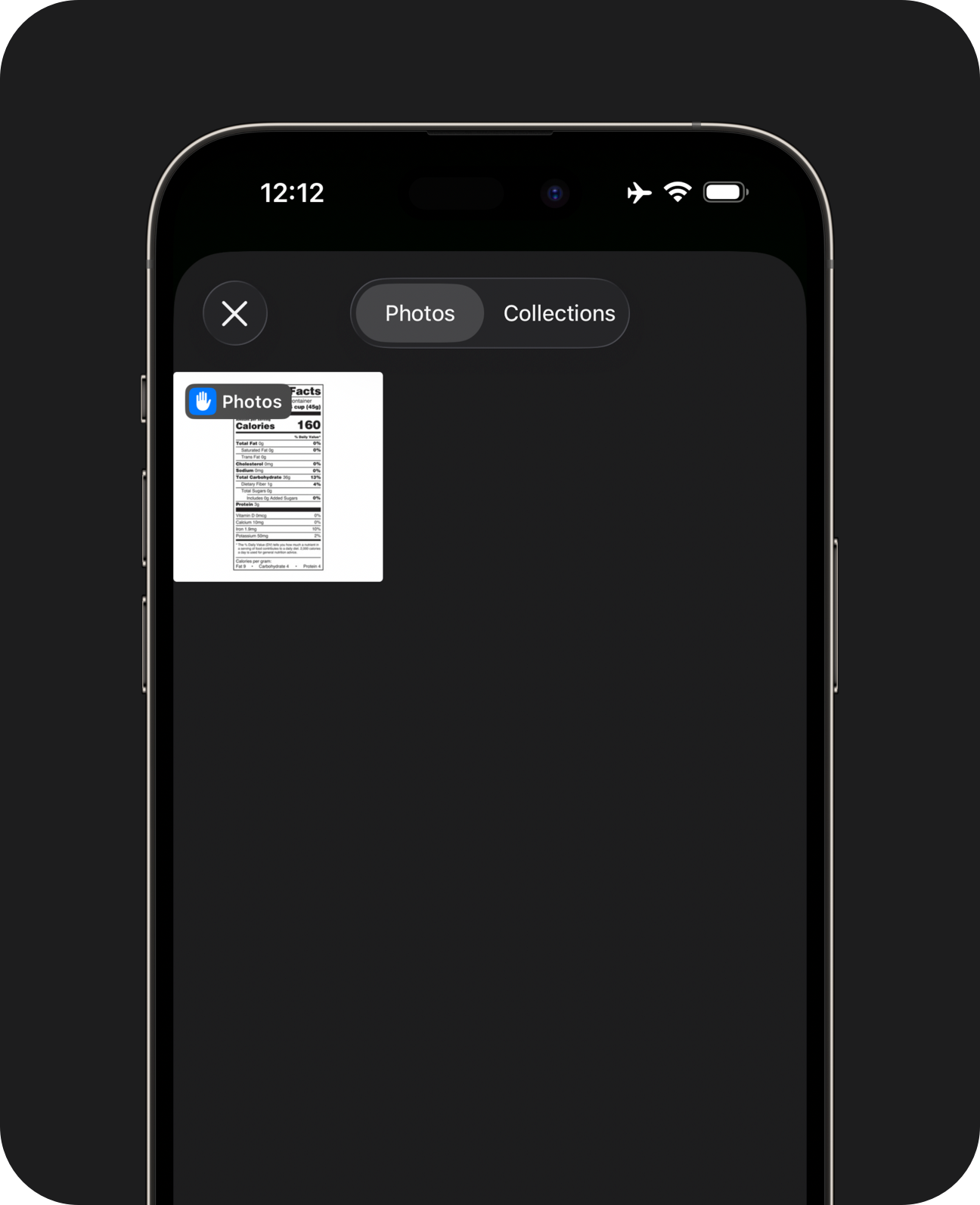
Flexible Entry
Scan a label with the camera, or pick a screenshot from your library.
Label scanning is a Pro feature. Not all label formats are supported. The scanner makes mistakes from time to time. Verify and adjust results before saving.
Meal Prep
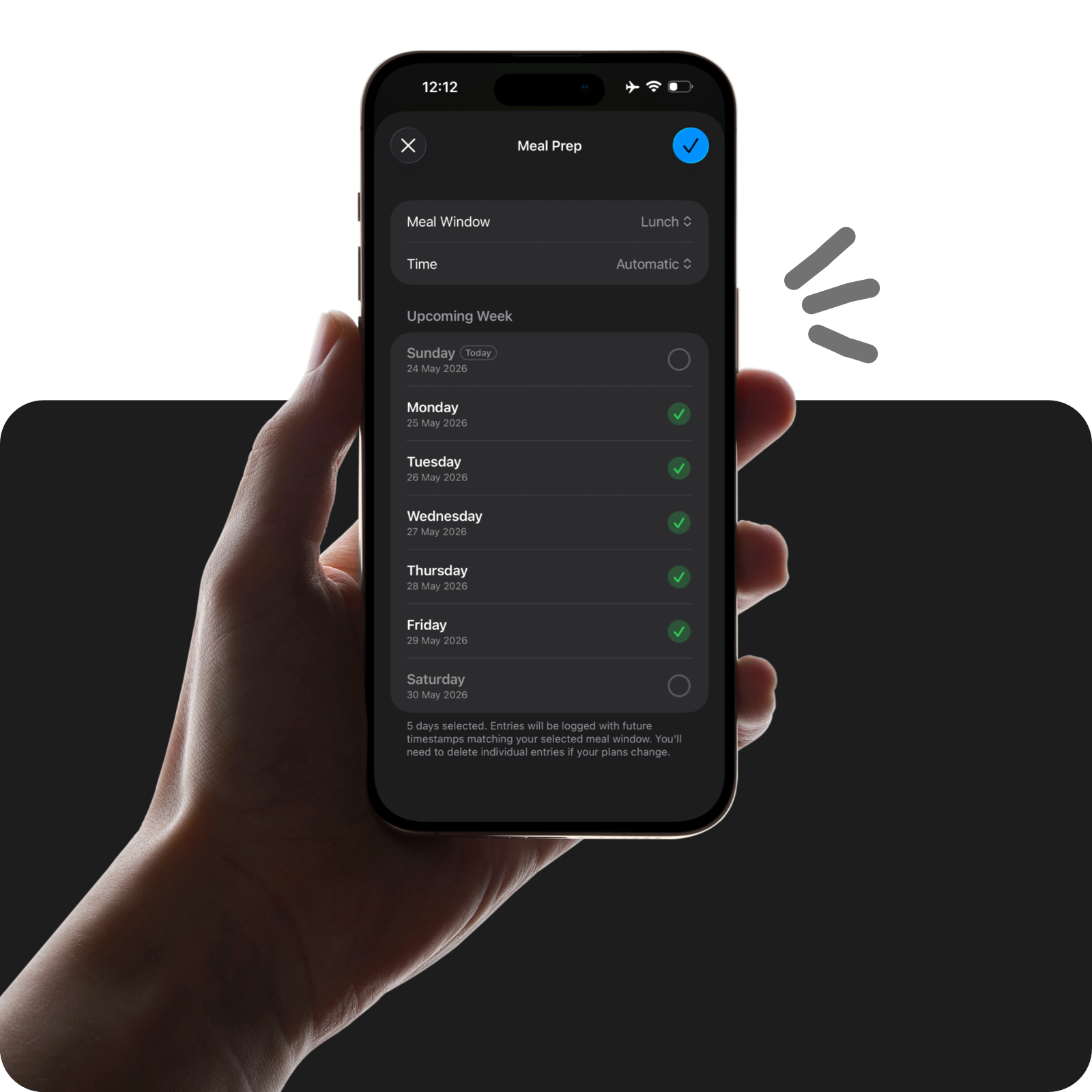
If you eat the same foods on rotation, you can log meals ahead of time. This helps you avoid data entry multiple times a week.
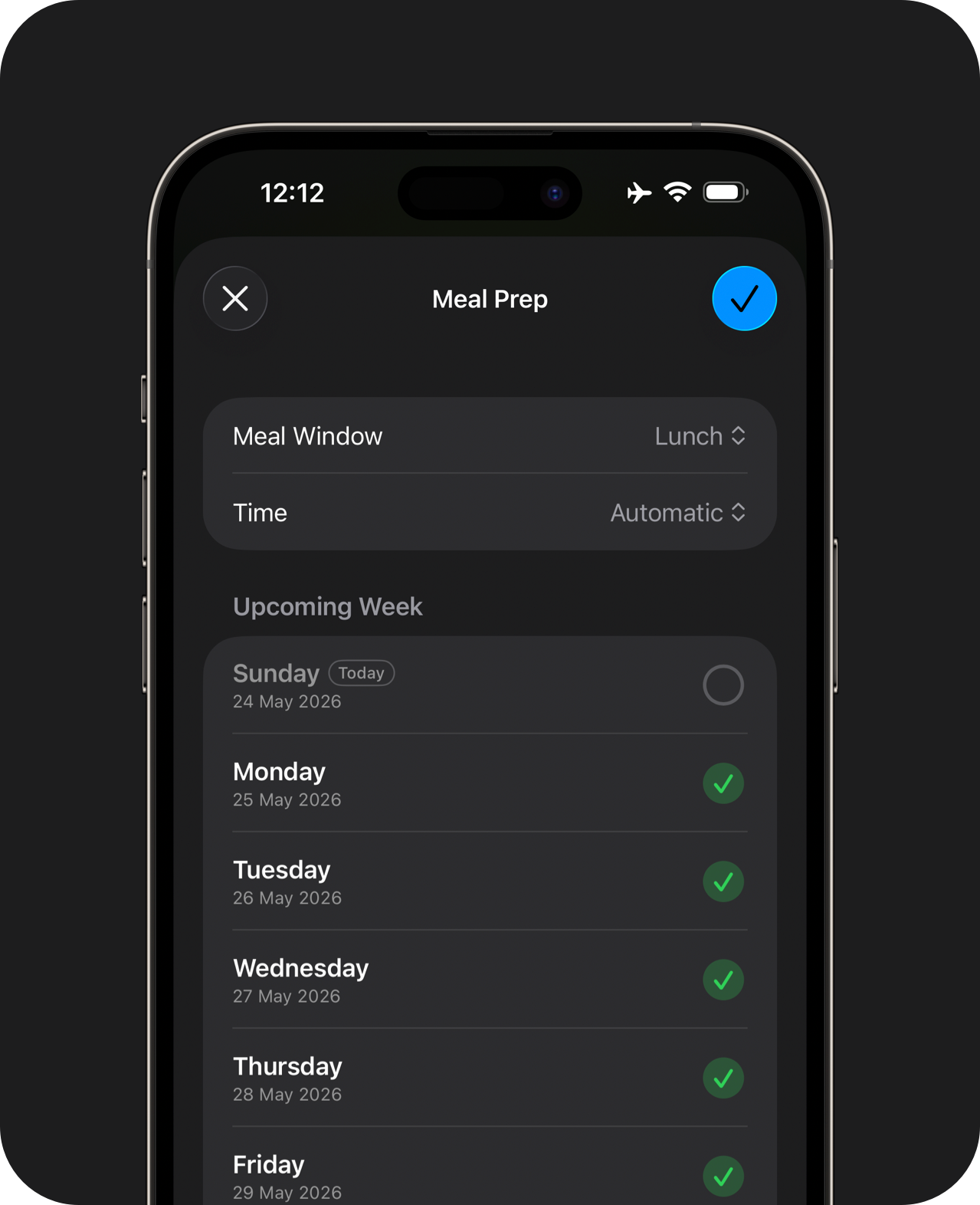
Log Ahead
Log the same meal across multiple days. This is great if you batch-cook the same recipes for each meal.
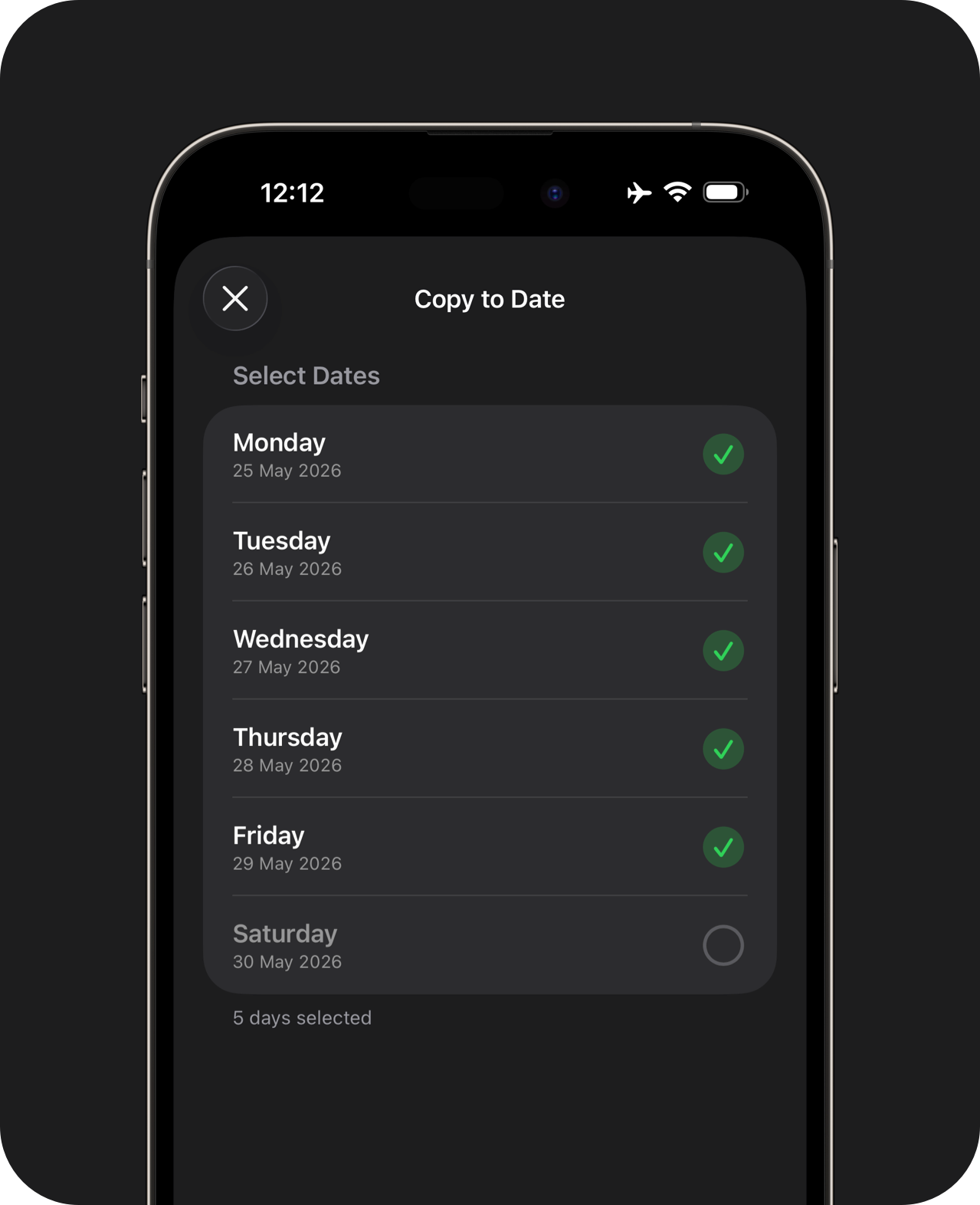
Copy to Date
If you've already logged a day's worth of food, you can pick and choose the foods you want to copy across to other days.
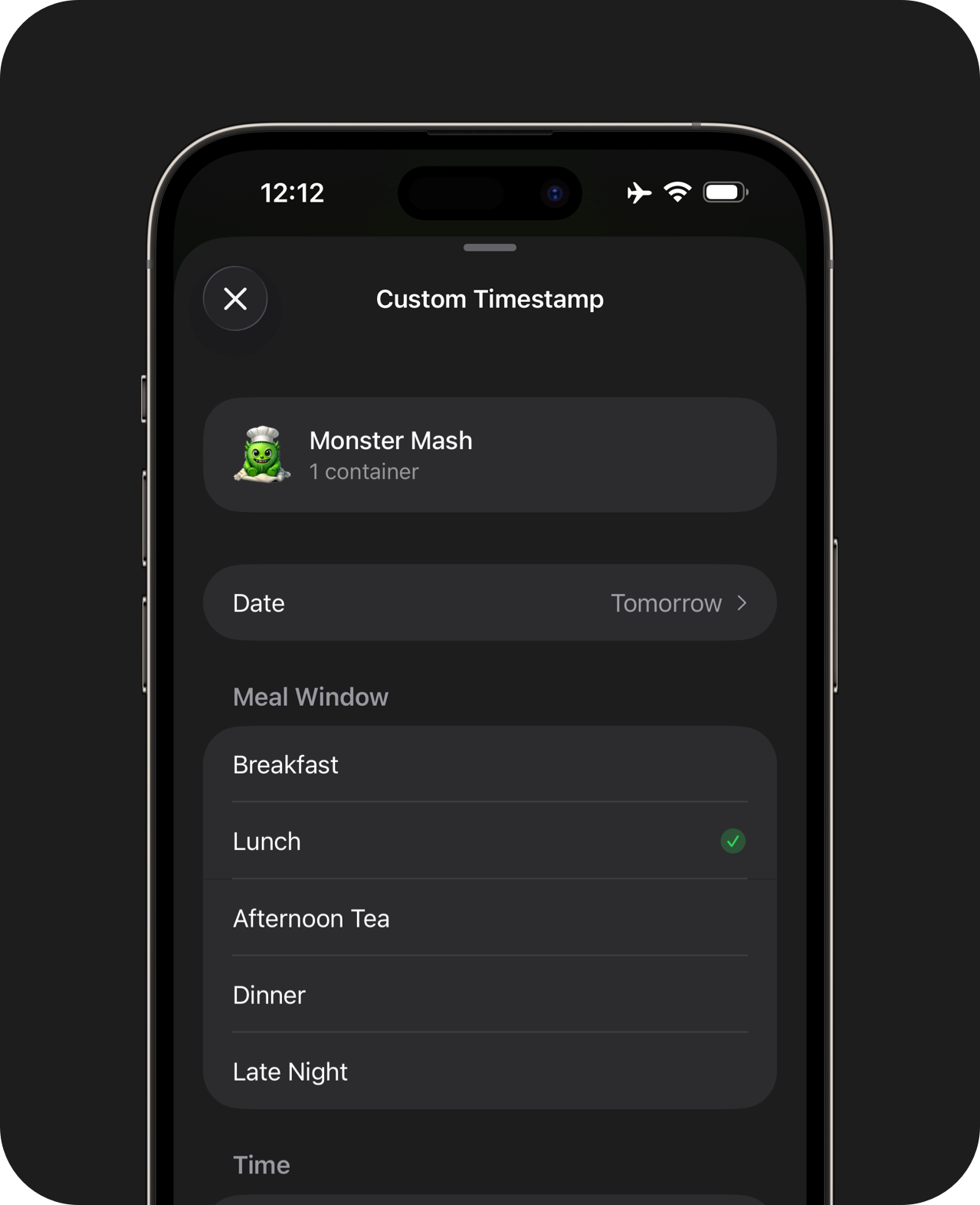
Custom Timestamps
Log foods with custom dates and timestamps.
Meal Prep, Copy to Date and Custom Timestamps are available in Pro.
Apple Health Integration
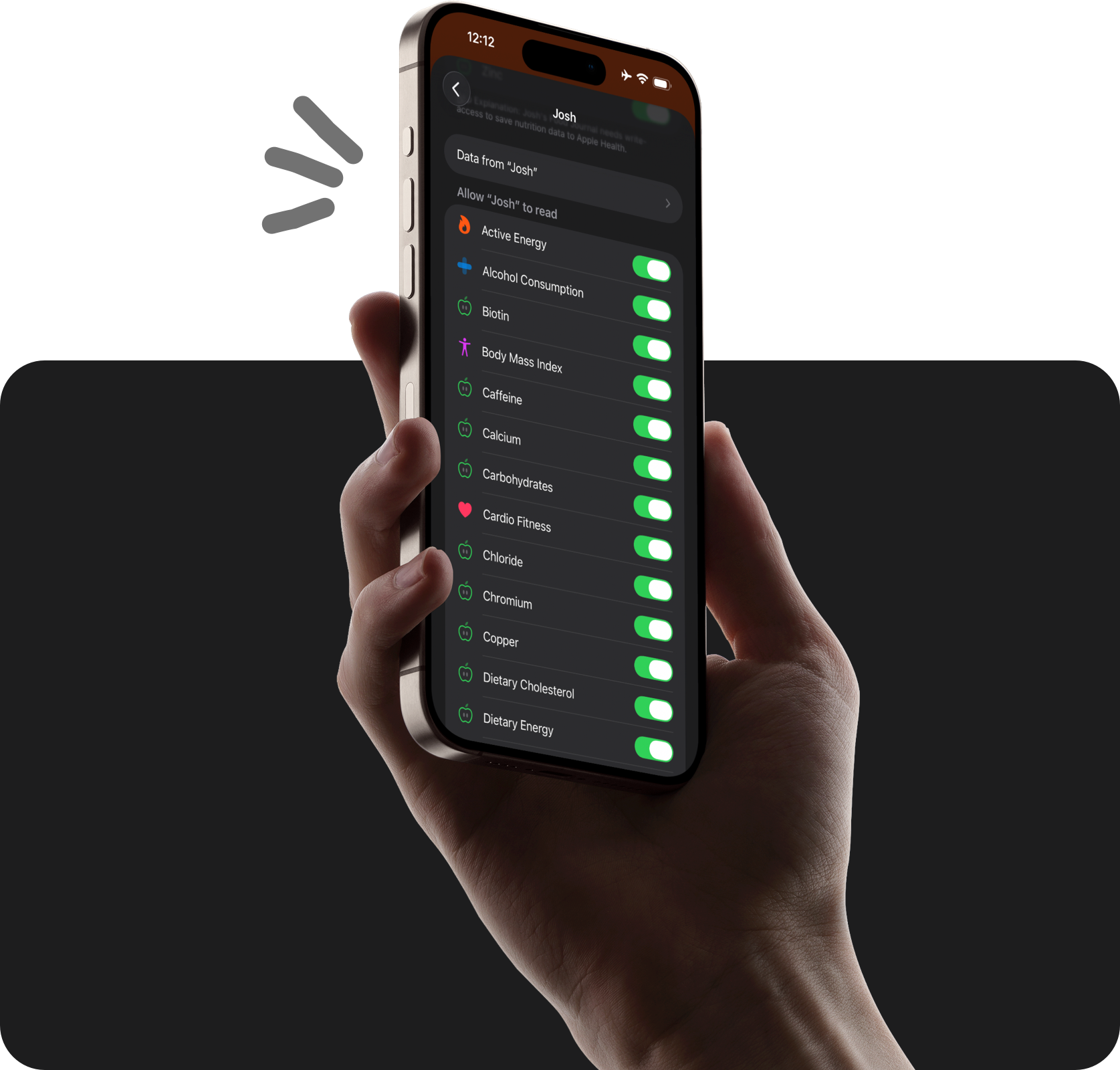
With two-way sync, you can track simple repeating foods here, without giving up your favourite nutrition apps to track the occasional barcode or takeout item.
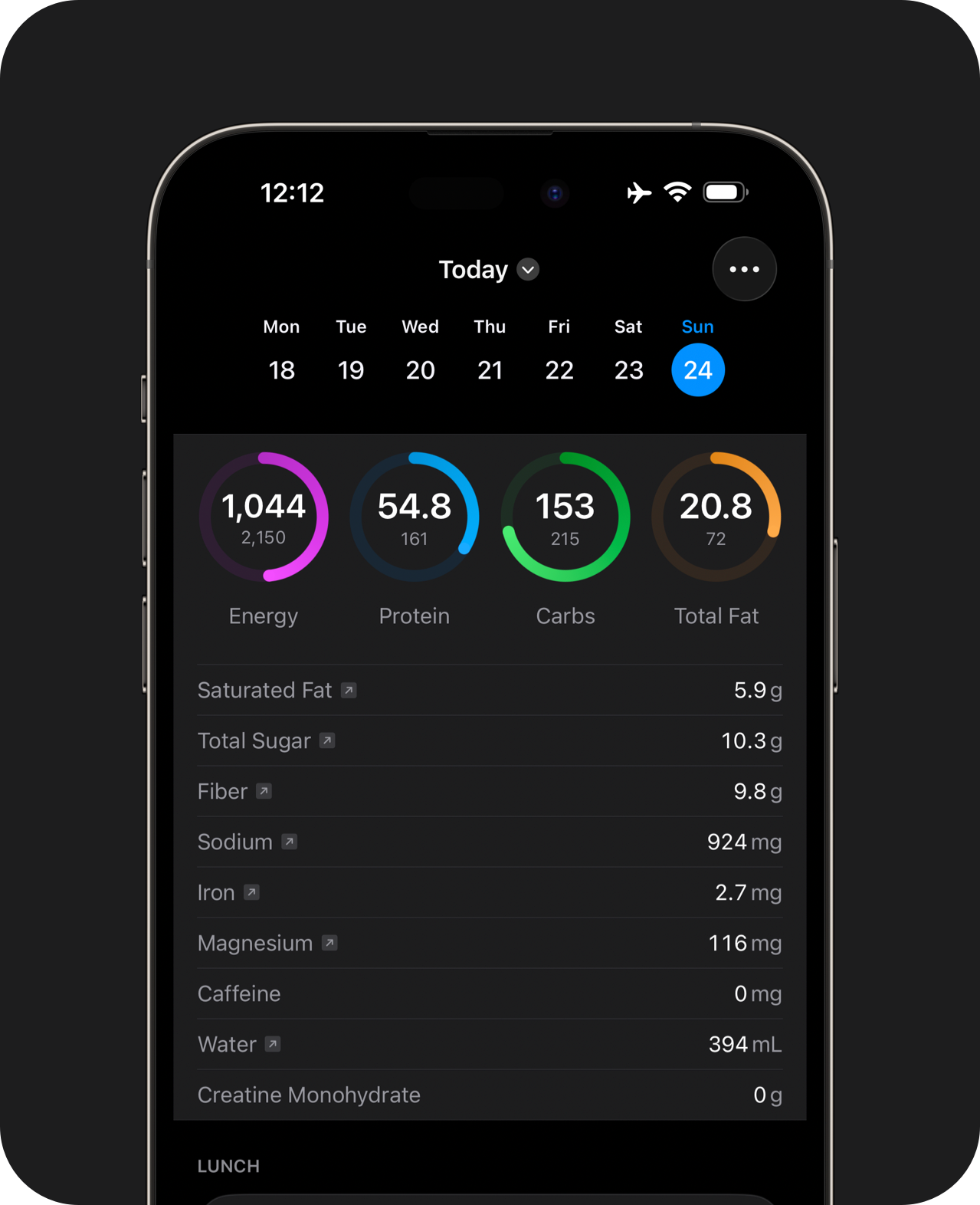
Reads from Health
Foods logged to Apple Health from external apps count toward your goals.
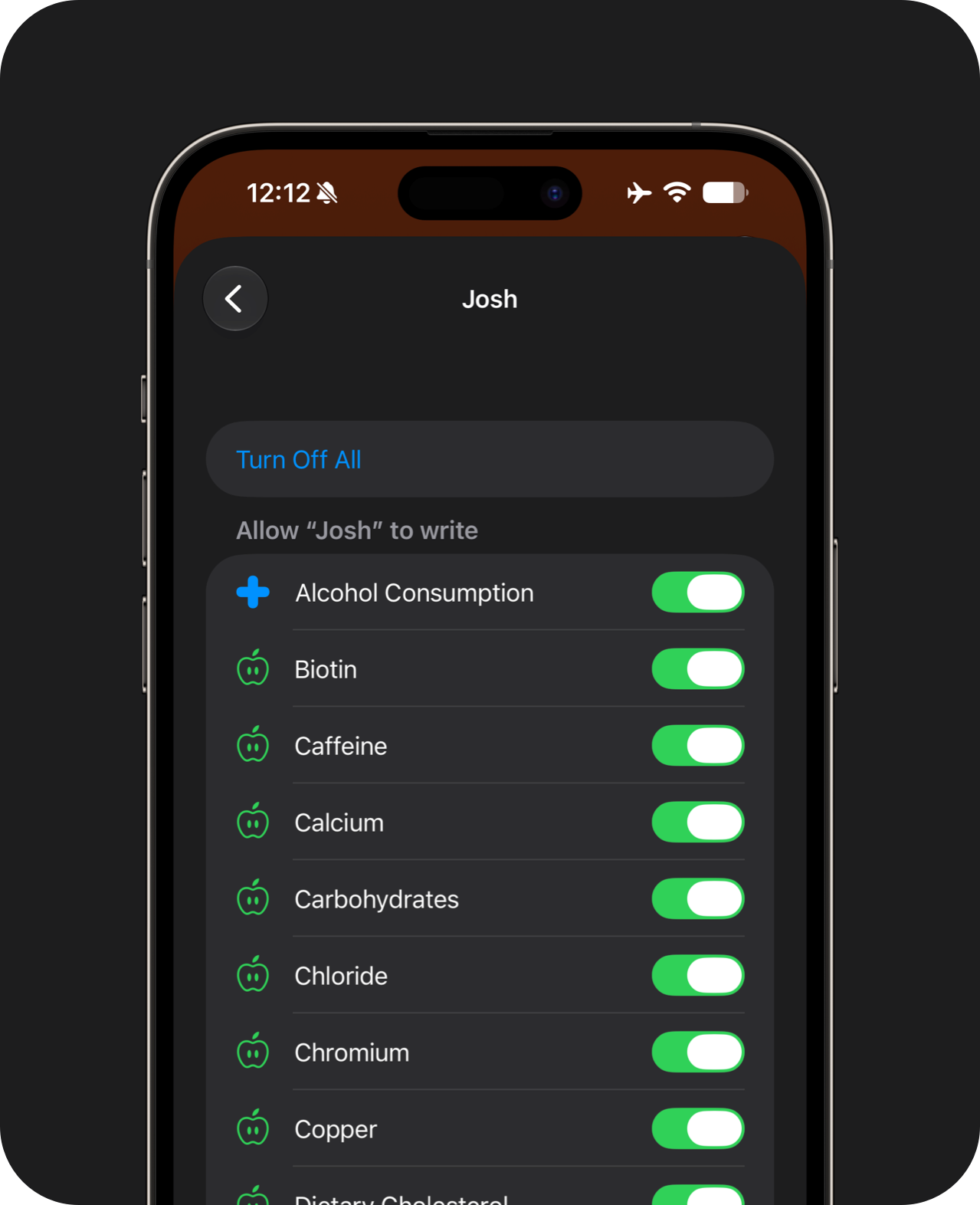
Saves to Health
Data from this app flows into your preferred data analysis platform through Apple Health.
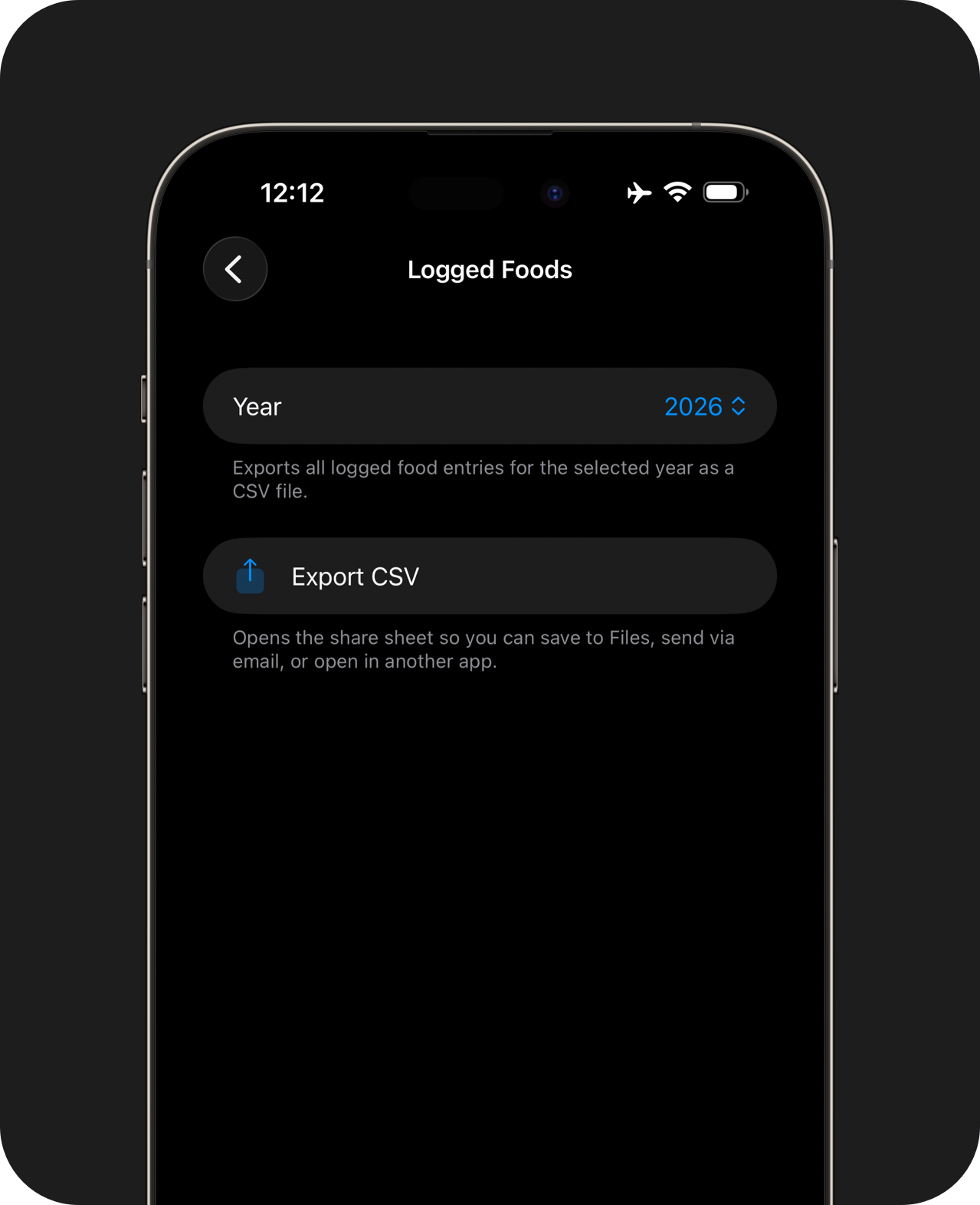
Data Export
Export daily notes and nutrition logs to CSV.
Apple Health read and write access is required to view external foods and to save data back to Apple Health. Manual CSV exports are also available.
Start with the free tier today. It doesn't have ads and works offline. Pro unlocks additional features and supports independent development. Available now in the United States, Australia & New Zealand.
Thanks for stopping by, have a great day :)